Honey Balayage
Hair
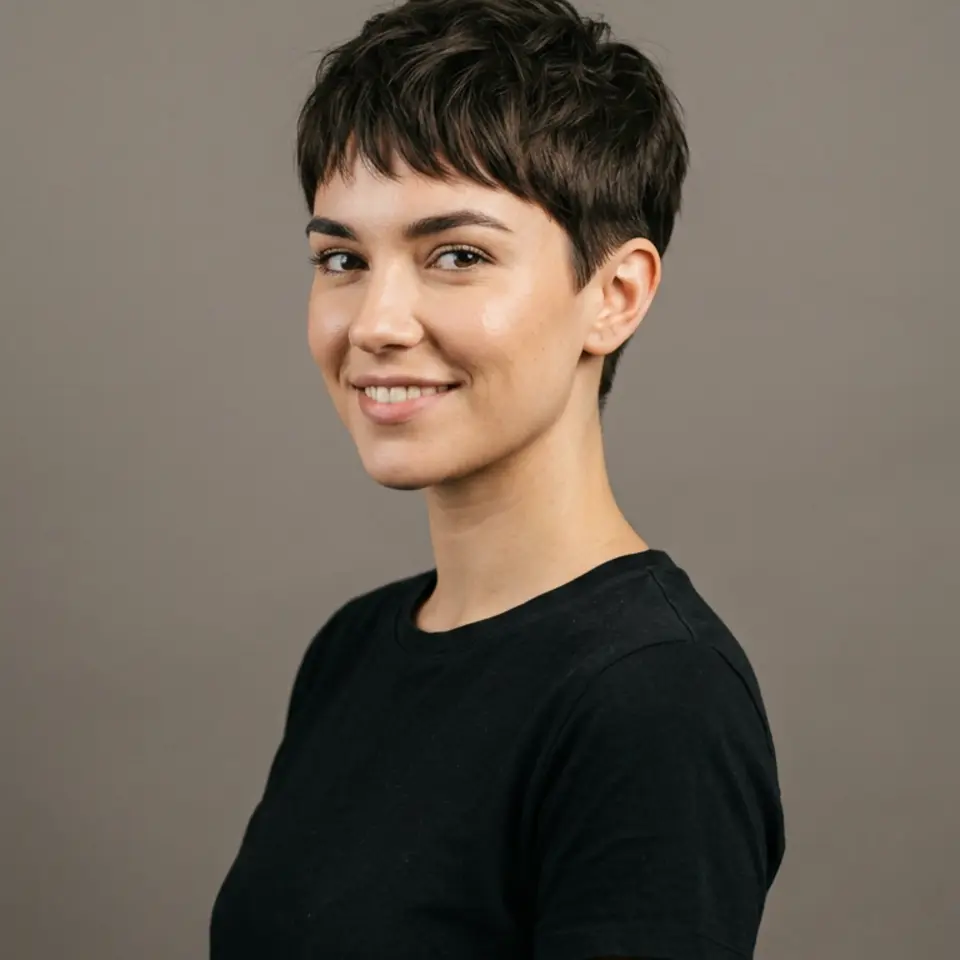
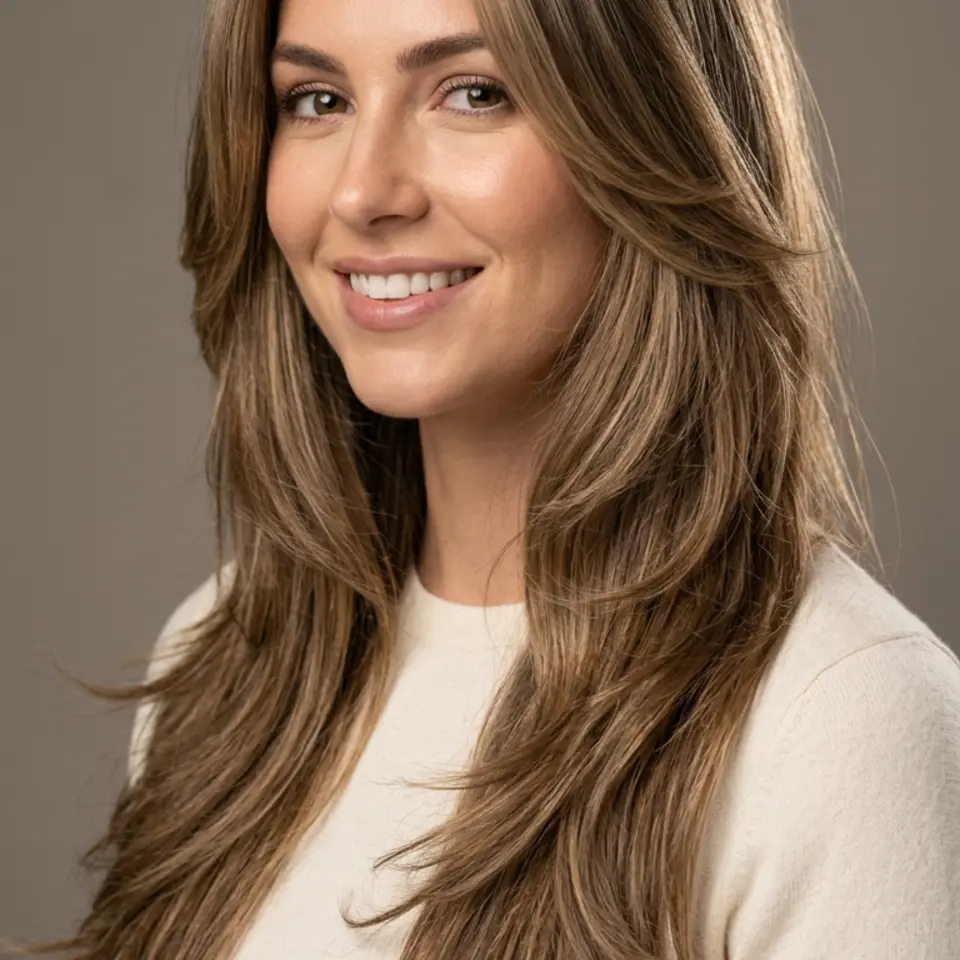
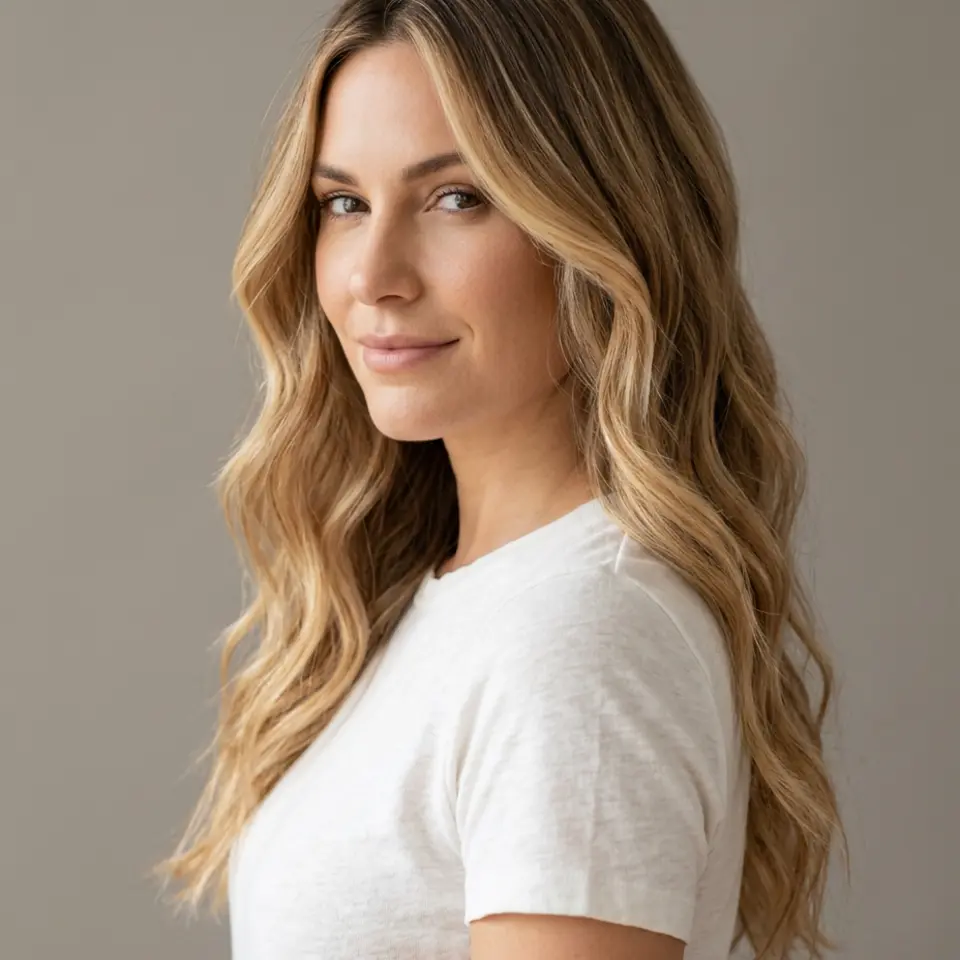
See a warm balayage on your own hair and skin before committing to bleach and toner. Start with Honey Balayage, then compare it with your natural colour in other cuts.
See the haircut before the first snip
Nine cuts and colours on your own face, so you walk into the salon knowing what you want.
Preview up to 3 looks from this pack free with your own selfie, then keep the ones you like for $19 once.
Pick up to 3 and see them with your own face, free. Tap a look to try it on its own.
0 of 3 picked. Previews are free with your selfie.
Try this pack freeUse cases
Each look in this pack is tuned for the surfaces below.
Use case
Lightening dark hair takes several sessions, so it pays to see the end result first.
Use case
Honey tones flatter some skin tones more than others, and a preview shows it at once.
Use case
Combine the balayage look with Long Layers or curls to see the full change.
Use case
A picture of your own face with the colour is clearer than a mood board.
Upload a selfie in daylight so your skin tone is accurate.
Preview Honey Balayage alongside your natural colour.
Keep the result and show it at your colour appointment.
How it works
Pick up to 3 looks from this pack.
Add one clear selfie. You create a free account when you press Generate.
Previews are free and watermarked. Keep the ones you like for $19 once.
Honey Balayage is the colour look in this pack, blended from darker roots. The other eight looks keep your natural shade with a new cut.
It is rendered as real colour in a styled cut, with roots, highlights and texture, not a flat tint laid over your photo.
No. Skin tone and features come from your selfie, so you see how the colour works with your real complexion.
Other photos people make with Pixshop.
Hair
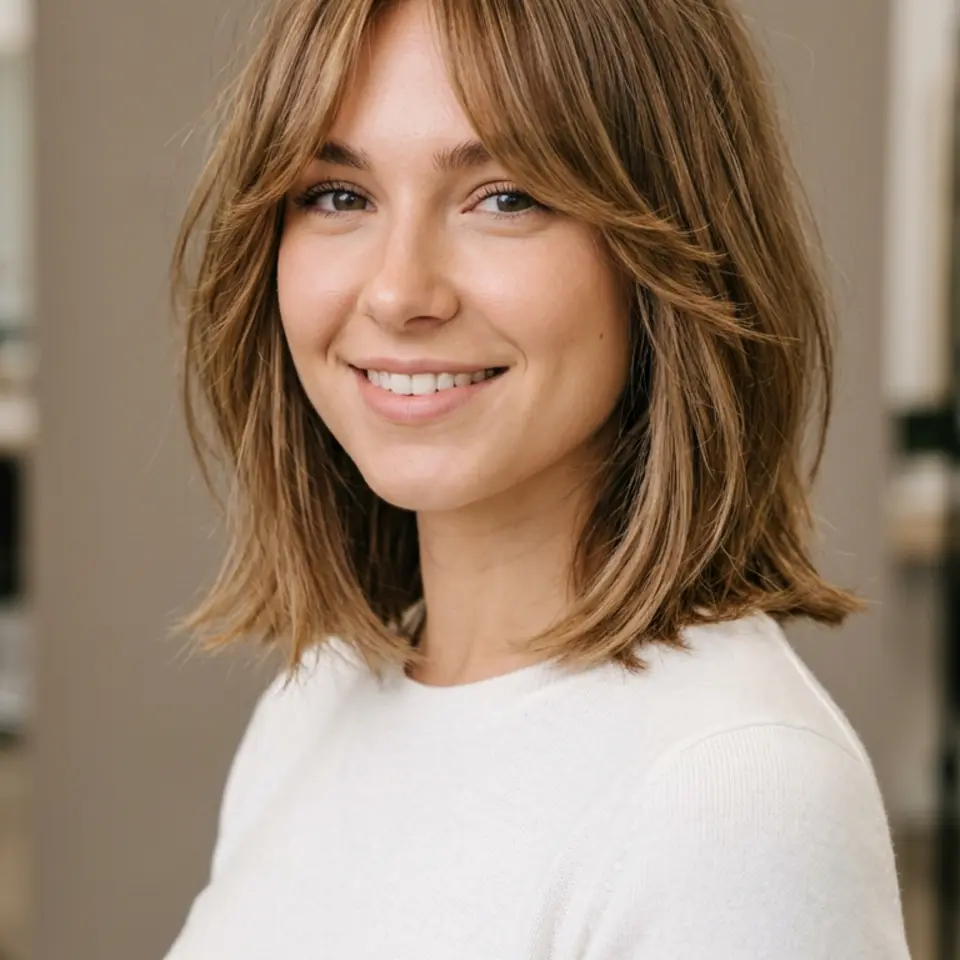
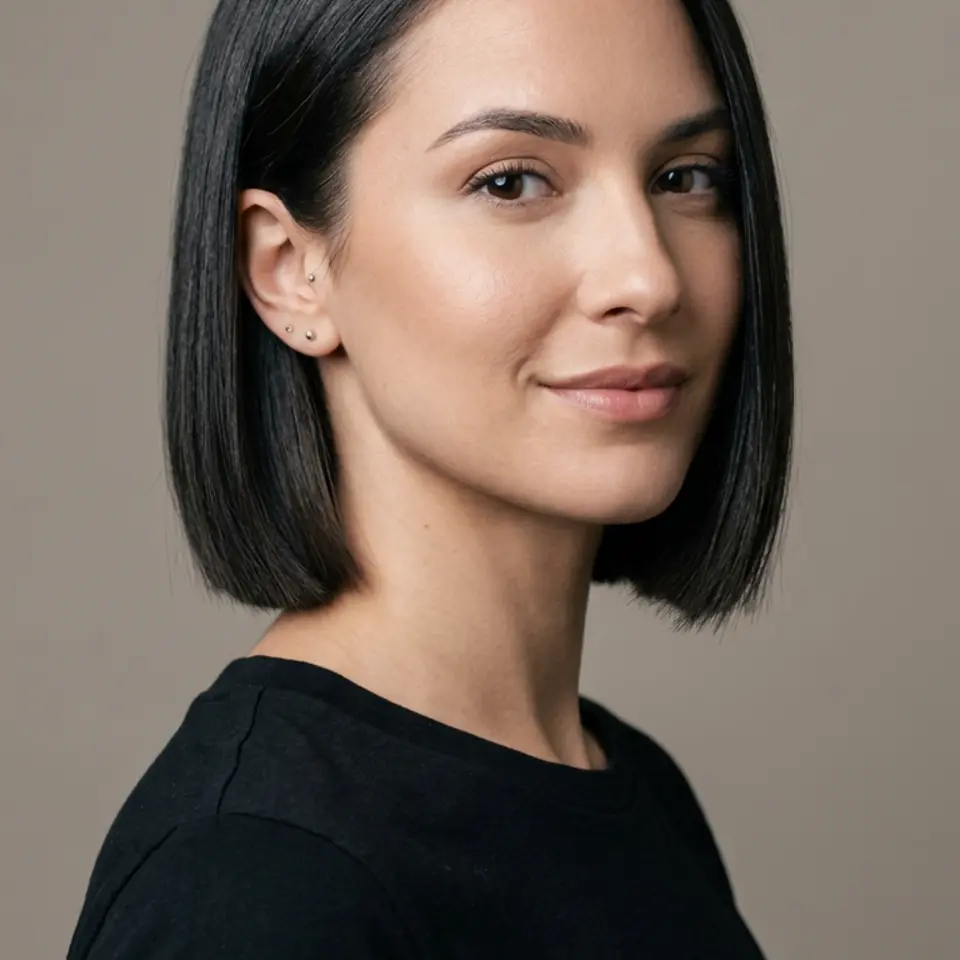
Upload one selfie and see your face with a new cut or colour: curtain bangs, a bob, a pixie, a wolf cut, a low fade, balayage or curls. Decide at home, then show your stylist the picture.
Hair
Face-shape charts only guess. Put nine real haircuts on your own selfie, look at them side by side, and keep the one that clearly works.
Beauty
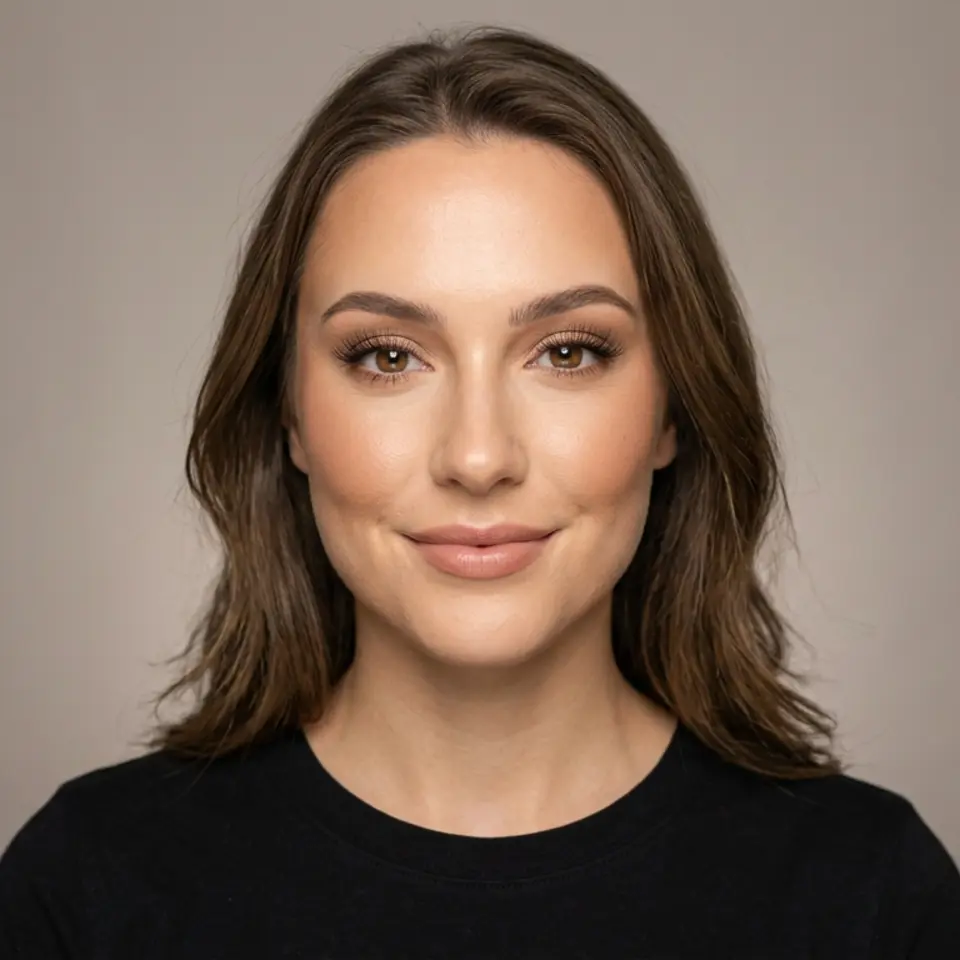
Try nine complete makeup looks on your selfie: natural, soft glam, K-beauty glass skin, a classic red lip, a smoky eye, bridal, bronzed summer, graphic liner and festive glam.
Pick up to 3 looks, preview them free with your own face, and pay only for the photos you keep.