Change the outfit in your photo.
Upload one photo of yourself and describe what you want to wear. Pixshop swaps the clothing and keeps your face, hair, pose and background the same.
3 free watermarked previews. Keep the ones you like for $19 once.

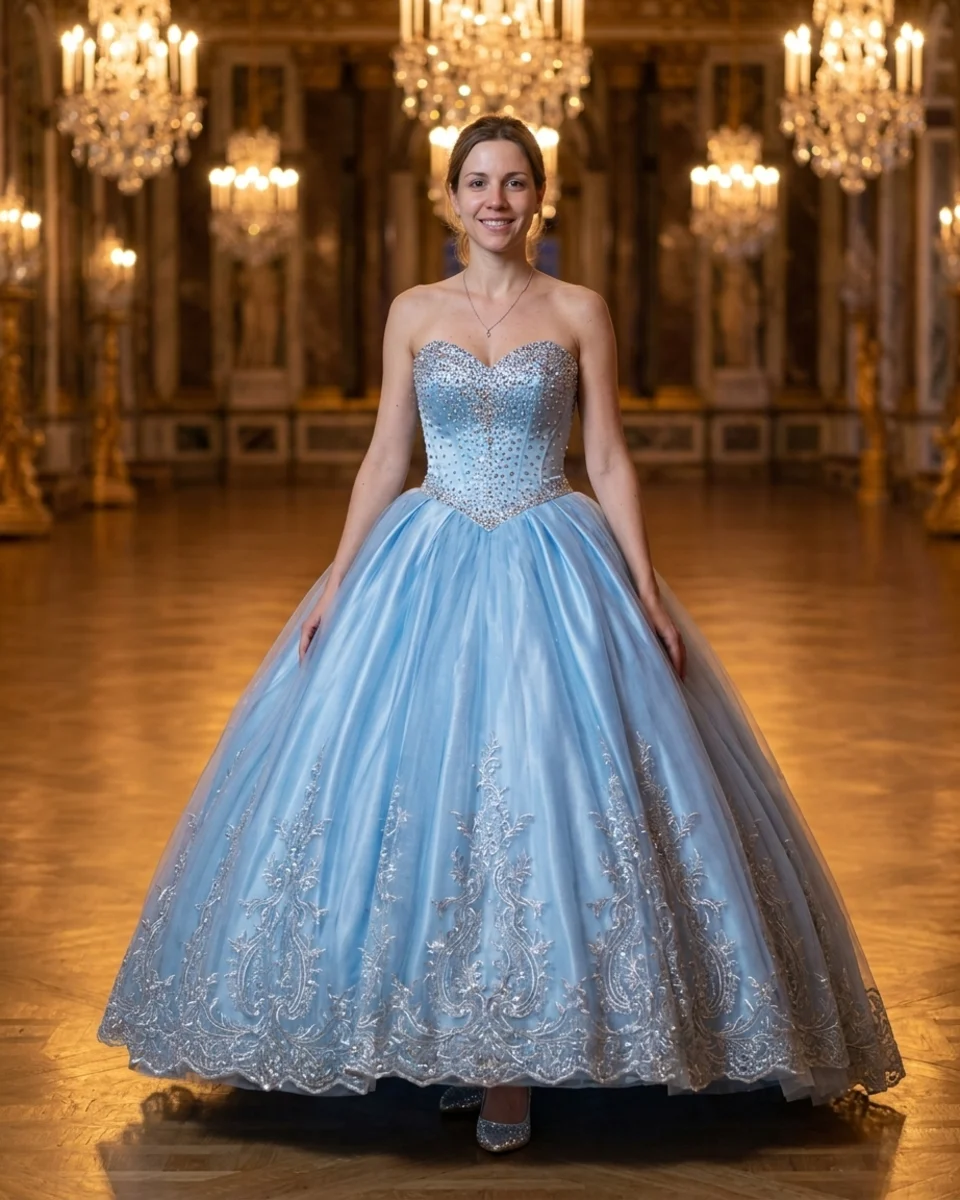
Before
How it works
- 1
Upload one photo
A clear photo where your outfit is visible. JPEG, PNG or WebP, up to 20 MB.
- 2
Describe the outfit
For example "a navy blue blazer" or "a long beige trench coat". Optimize the wording with AI for free.
- 3
Preview, then keep it
See a watermarked preview first. Unlock the full-resolution photo when you like it.
Things to try
- this person in a navy blue blazer
- this person wearing a white linen shirt
- this person in a long beige trench coat
- this person in a classic black turtleneck
Good for
- Try a look before you buy it
- Put a blazer on a casual photo for a profile or resume
- See yourself in an outfit for an event
- Works on photos of people, one outfit change at a time.
- Requests for nudity, underwear or sexual content are blocked.
Questions
Will it still look like me?
The tool is told to change only the clothing and keep your face, hair, skin tone, body, expression and background as they are. Check the free preview before you pay.
Can I use a photo of a real piece of clothing?
Describe it in words: colour, fabric, cut and style. The tool generates a matching outfit; it does not copy a specific product photo.
How much does it cost?
Every new account gets 3 free previews. Previews are watermarked; a one-time pack unlocks your results in full resolution and adds more photos.
Full refund within 7 days if you don't generate or download a photo on the Headshot Pack.
More tools: AI Couple Photo · Change Photo Background · AI Photo Editor