Put two people in one photo.
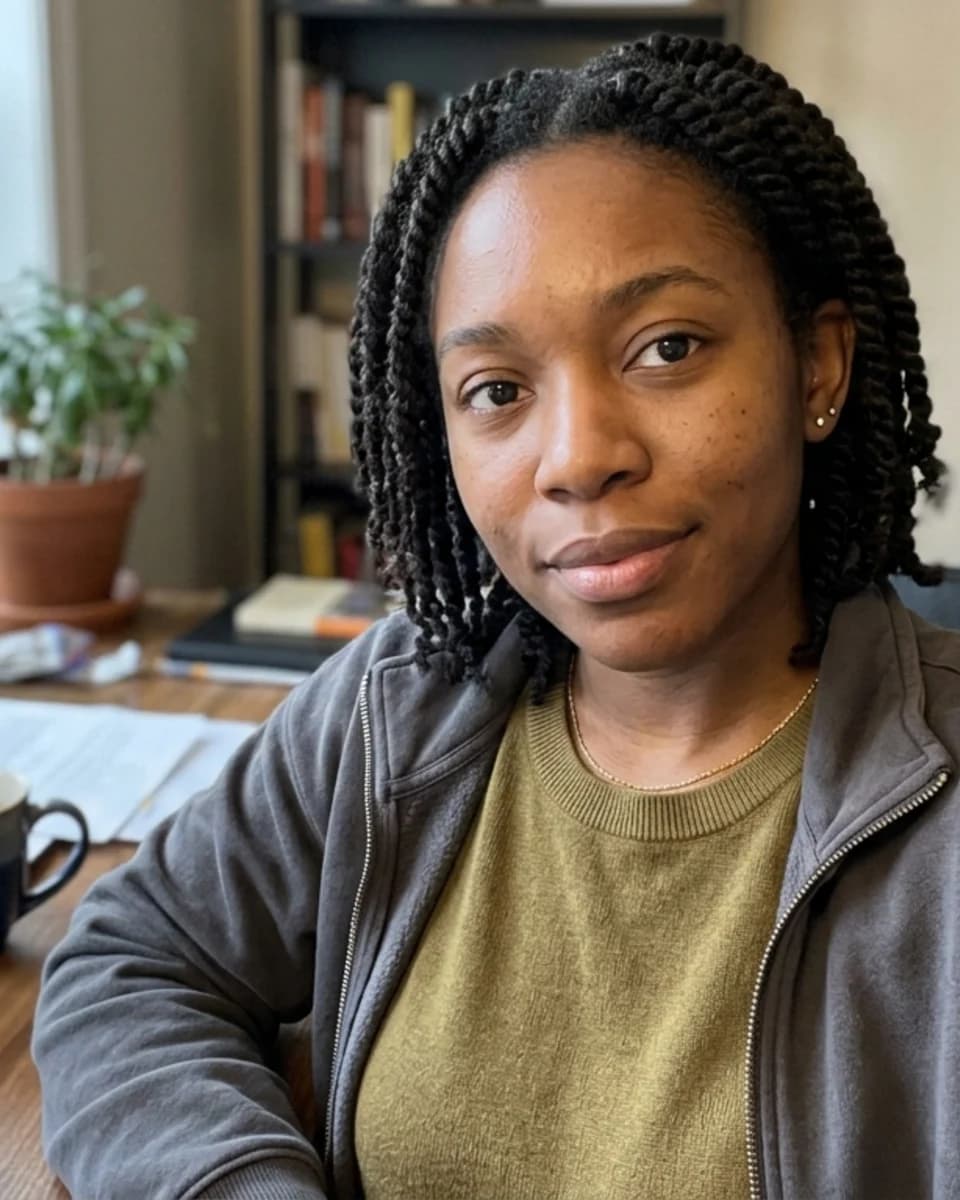
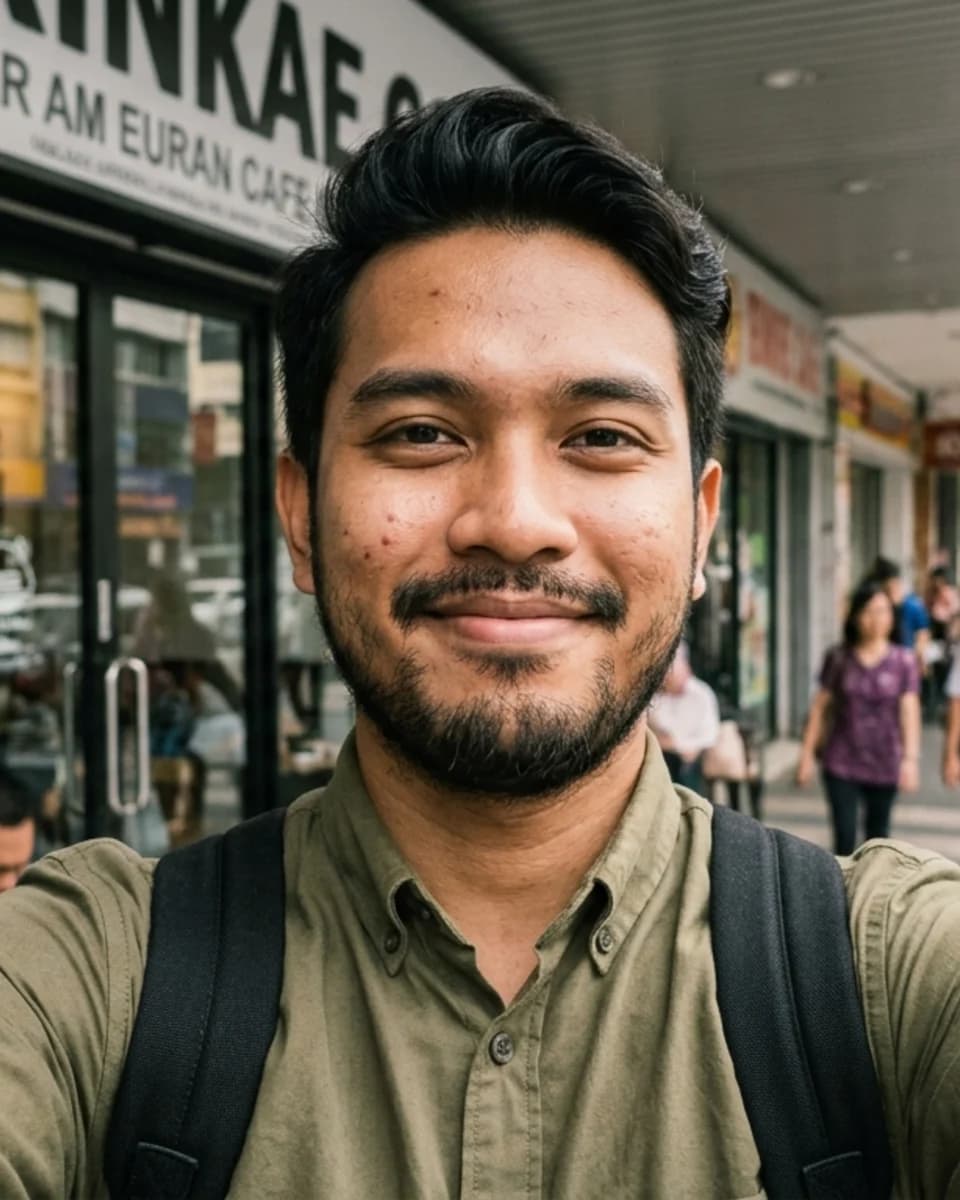
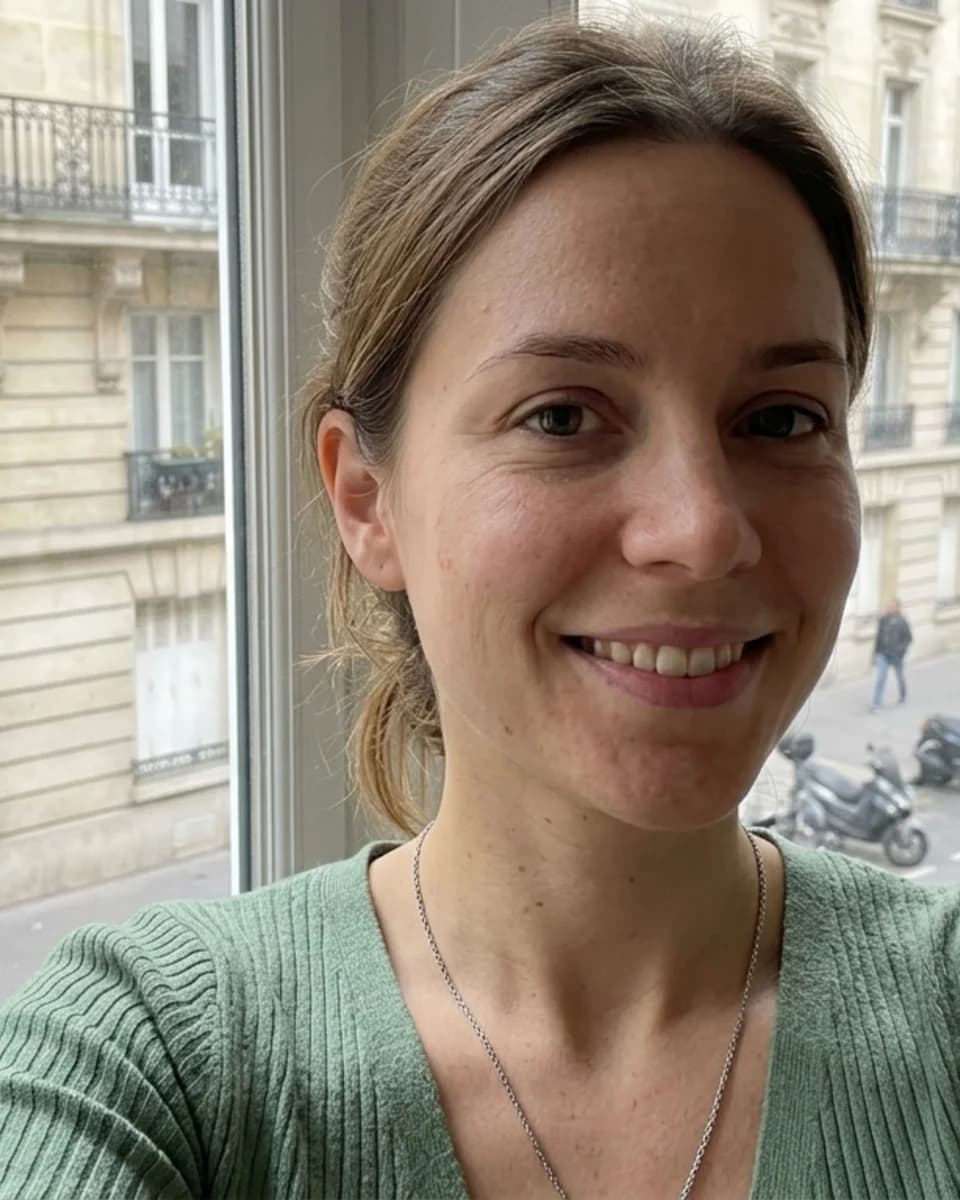
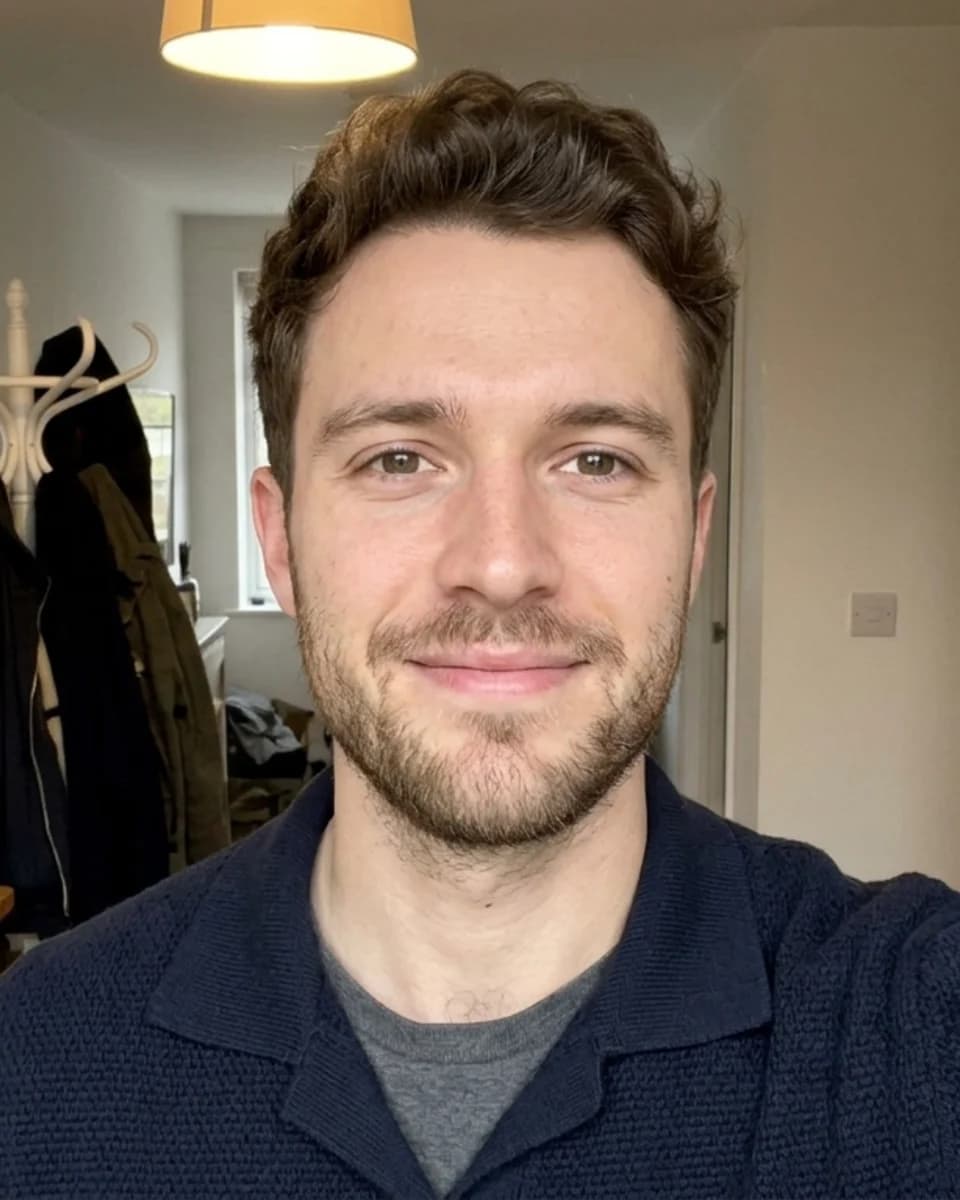
Upload separate photos of up to 4 people and describe the moment you want. Pixshop places everyone in one scene with matching light, keeping each face as it is.
3 free watermarked previews. Keep the ones you like for $19 once.
Before

How it works
- 1
Upload up to 4 photos
One clear photo per person, face visible. Only use photos of people who agreed to it.
- 2
Describe the scene
For example "a couple portrait at a beach at sunset" or "a family photo in a garden".
- 3
Preview, then keep it
See a watermarked preview first. Unlock the full-resolution photo when you like it.
Things to try
- a couple portrait on a beach at sunset
- two friends laughing at a cafe table
- a family photo in a garden, everyone smiling
- an office team photo, everyone making funny faces
Good for
- A couple photo when you live apart
- Add a family member who missed the photo
- A group photo for a team page or a card
- Use photos of people who have agreed to be in the result.
- Up to 4 people per photo.
Questions
Can I add someone who was not in the original photo?
Yes. Upload a clear photo of each person and describe the scene. The tool blends them into one image with matching light and scale.
Whose photos can I use?
Only your own photos or photos of people who agreed to it. Do not use the tool to put someone in a photo without their consent.
How much does it cost?
Every new account gets 3 free previews. Previews are watermarked; a one-time pack unlocks your results in full resolution and adds more photos.
Full refund within 7 days if you don't generate or download a photo on the Headshot Pack.
More tools: AI Clothes Changer · Change Photo Background · AI Photo Editor