Change the background of your photo.
Upload a photo of yourself and describe where you want to be. Pixshop builds the new setting around you and matches its light, so it reads as a real photo rather than a cut-out.
3 free watermarked previews. Keep the ones you like for $19 once.

Before
How it works
- 1
Upload one photo
A clear photo of you. JPEG, PNG or WebP, up to 20 MB.
- 2
Describe the place
For example "a rooftop in Tokyo at night" or "a plain grey studio backdrop".
- 3
Preview, then keep it
See a watermarked preview first. Unlock the full-resolution photo when you like it.
Things to try
- standing on a rooftop in Tokyo at night
- a plain light grey studio backdrop
- a sunny beach in the Philippines
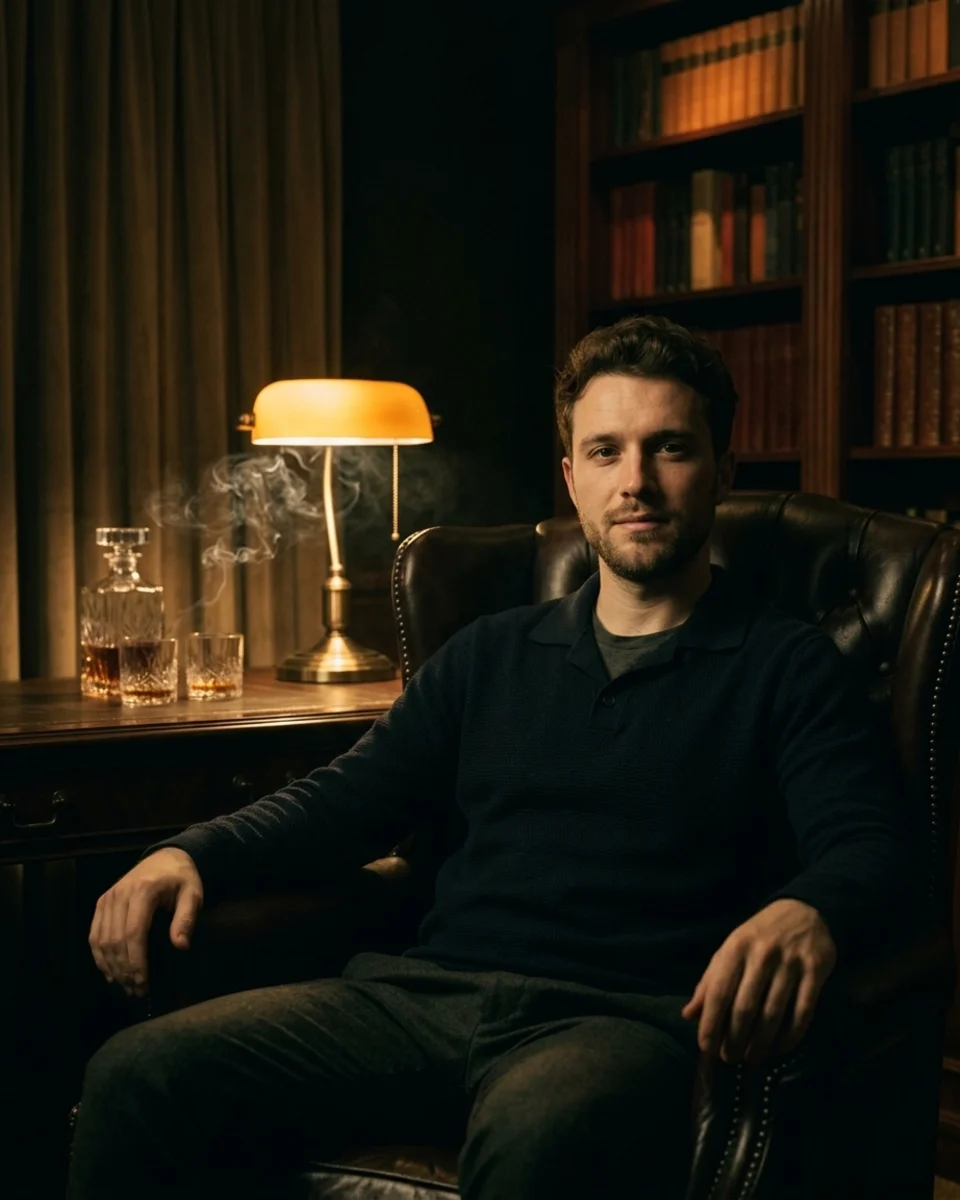
- a 1940s cigar room, cinematic lighting
Good for
- A cleaner background for a profile photo
- A travel-style photo without the trip
- A studio backdrop for a casual photo
- Made for photos of people. For product photos or a transparent cut-out, use a background remover instead.
- The scene is generated, so it is not a real location photo.
Questions
Does it just remove the background?
No. It replaces the setting around you with a new one you describe and matches the lighting. If you need a transparent PNG, a background remover is the right tool.
Will my face change?
The tool is told to keep your face, clothing, pose and expression the same. Check the free preview before you pay.
How much does it cost?
Every new account gets 3 free previews. Previews are watermarked; a one-time pack unlocks your results in full resolution and adds more photos.
Full refund within 7 days if you don't generate or download a photo on the Headshot Pack.
More tools: AI Clothes Changer · AI Couple Photo · AI Photo Editor