Use case
Resume and job applications
Employers across Southeast Asia expect a formal photo attached to the CV. One selfie produces the blazer-and-plain-background version without booking a photo studio.
Formal photos for forms, IDs, and applications
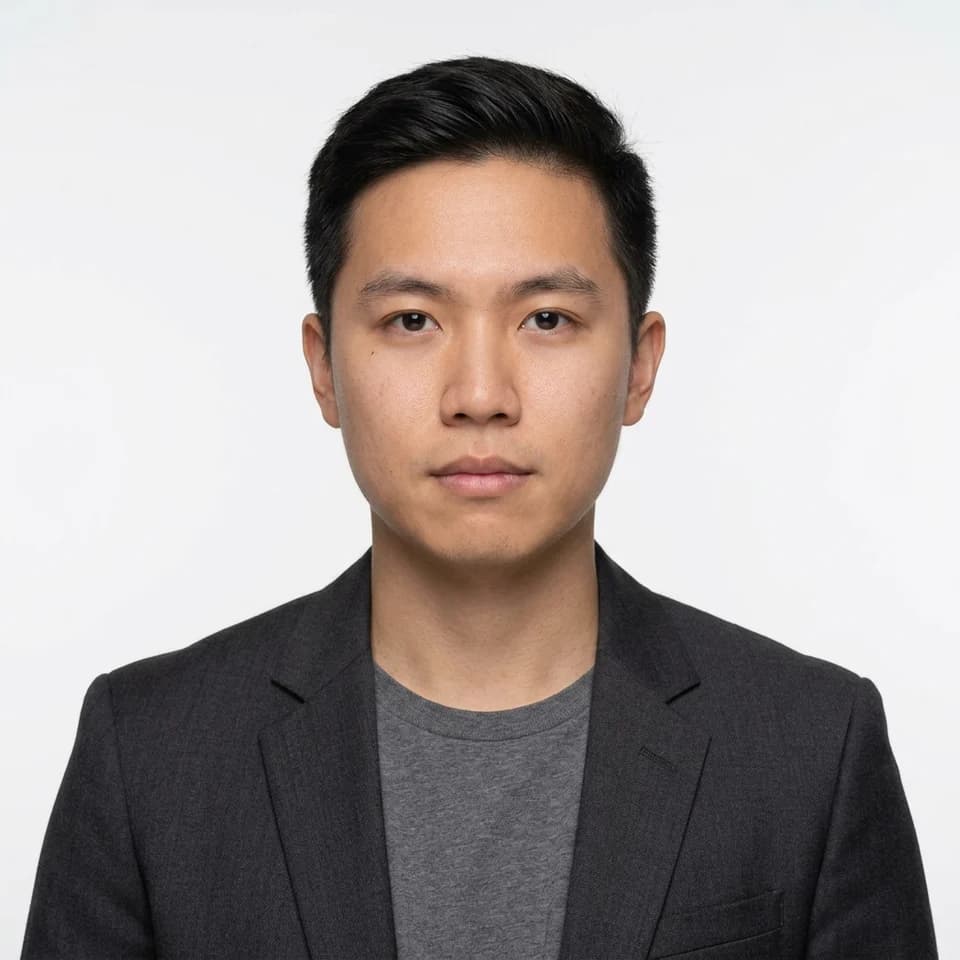
Turn one selfie into a square formal photo on a plain white, blue, or red background. An ID picture maker for resumes, company and school IDs, and application forms that ask for formal attire.
Square, plain-background photos in formal attire for resumes, company and school IDs, and application forms that ask for a formal photo.
Start with 3 free credits in this pack, choose the looks you want to test first, then upgrade only when the workflow proves itself.
Use cases
Each look in this pack is tuned for the surfaces below.
Use case
Employers across Southeast Asia expect a formal photo attached to the CV. One selfie produces the blazer-and-plain-background version without booking a photo studio.
Use case
HR and school registrars usually ask for a square photo on a plain background, in formal attire. This pack produces that shape directly.
Use case
Where barong tagalog is the expected formal attire, generate it from the same selfie instead of borrowing one for a photo appointment.
Use case
Some directories and registries want a neutral photo rather than a styled headshot. This is the neutral version.
Each scenario page maps directly to a real Pixshop photo pack. These are not placeholder concepts. Click through and the same pack opens in the studio.
A square white-background photo in a dark tailored blazer over a plain shirt for forms, IDs, and applications.
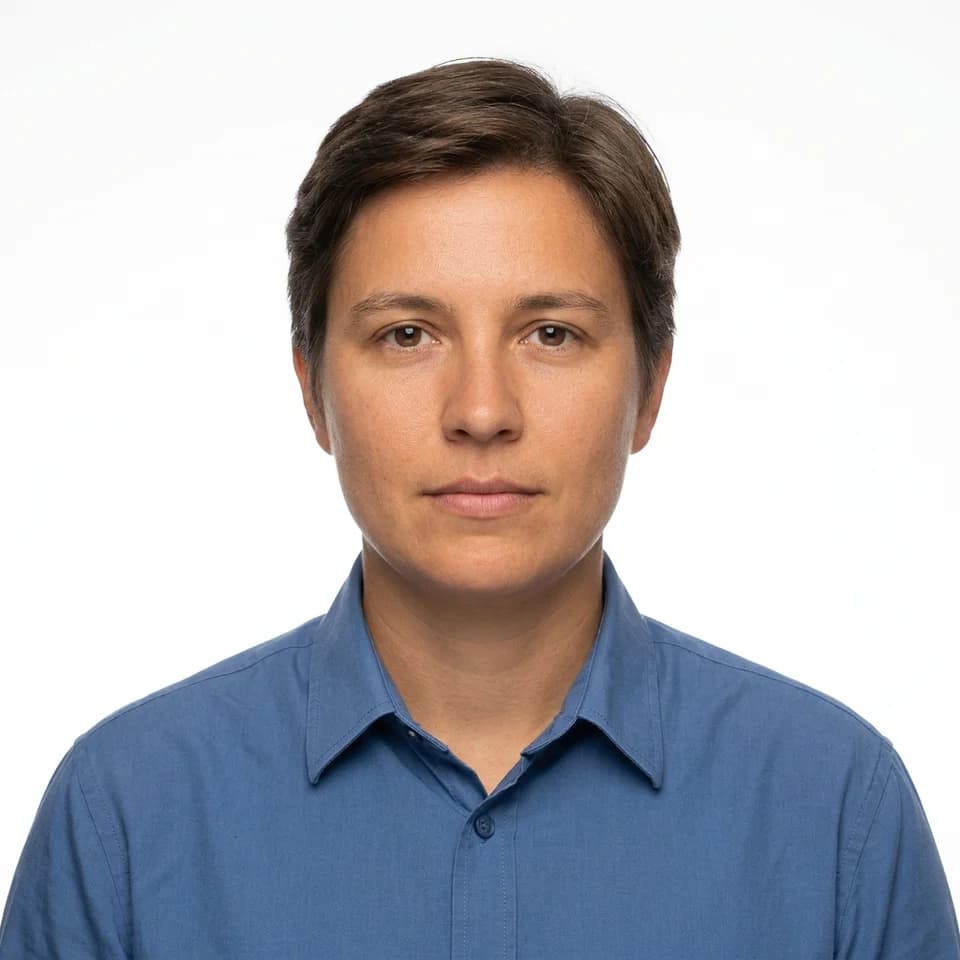
A square white-background photo in a plain buttoned collared shirt, no jacket for forms, IDs, and applications.
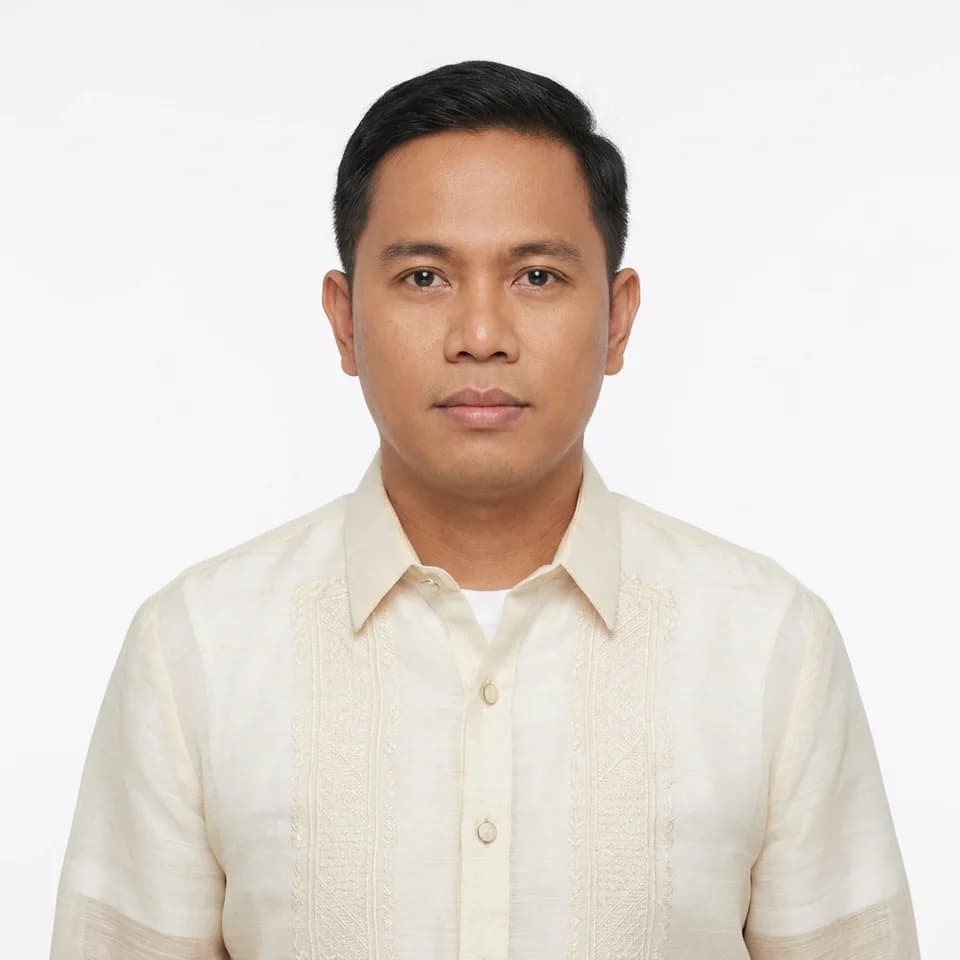
A square white-background photo in a barong tagalog in cream or white, worn correctly over an undershirt for forms, IDs, and applications.
Start from the ID Picture pack — plain and unstyled on purpose, so the photo reads as a record rather than a portrait.
Upload one clear selfie and the formal attire, plain background, and straight-on framing are handled in one pass.
Pick the background the form asks for — white, blue, or red — and a blazer, collared shirt, or barong tagalog.
How it works
Open the scenario pack instead of beginning with a blank tool state.
Upload one selfie and choose the looks you want to generate first inside this pack.
Keep the winner now, then upgrade only if the workflow deserves more room.
These pages are designed to answer specific search intent, then route directly into the matching Pixshop pack.
No. Passports, drivers licences, and most government IDs require a recent unaltered photograph, and many issuing authorities prohibit AI-generated or digitally altered images. Submitting one can get your application rejected. Use this for resumes, company IDs, school records, and forms where a formal photo is requested rather than legally specified.
It is square, which is the shape 1x1 and 2x2 both use, generated at 1K. It is not cropped to an exact millimetre spec or a required head-height ratio. If your form states precise dimensions, resize the square to that size before printing or uploading.
White is the most widely accepted. Pick blue or red only when the form explicitly asks for it — some employers and schools, particularly in the Philippines, specify a coloured background. Each background comes with a blazer, collared shirt, or barong tagalog option.
Yes. The prompt keeps your face, skin tone, hair, and apparent age as they are in your selfie, with no beautification or slimming. A formal photo that no longer resembles you defeats its purpose.
No. The attire is generated — a dark blazer, a plain collared shirt, or barong tagalog. Upload a clear, well-lit selfie facing the camera and the wardrobe is handled for you.
Each scenario page maps to a different pack, so visitors can move from broad interest to a concrete use case fast.
LinkedIn, teams, and bios
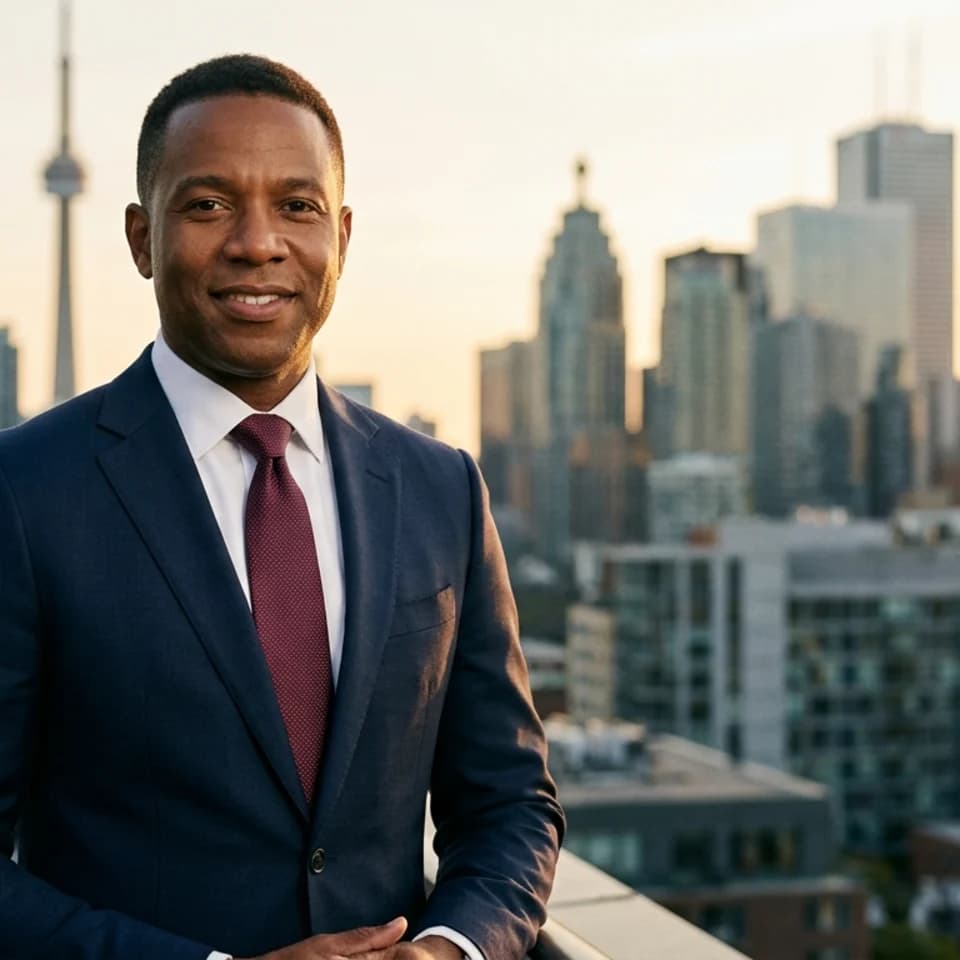
Create polished headshots for LinkedIn, team pages, speaker bios, founder intros, and resumes from one clear selfie without planning a studio day.
Dating profiles
One selfie. Multiple dates' worth of photos. Build a warmer, more varied dating set that actually looks like you.
Tinder photos
The casual warmth that gets the right swipe, not just any swipe. Authentic Tinder photos from one selfie.
Open the real pack, get your first result fast, and keep iterating only when the workflow earns it.