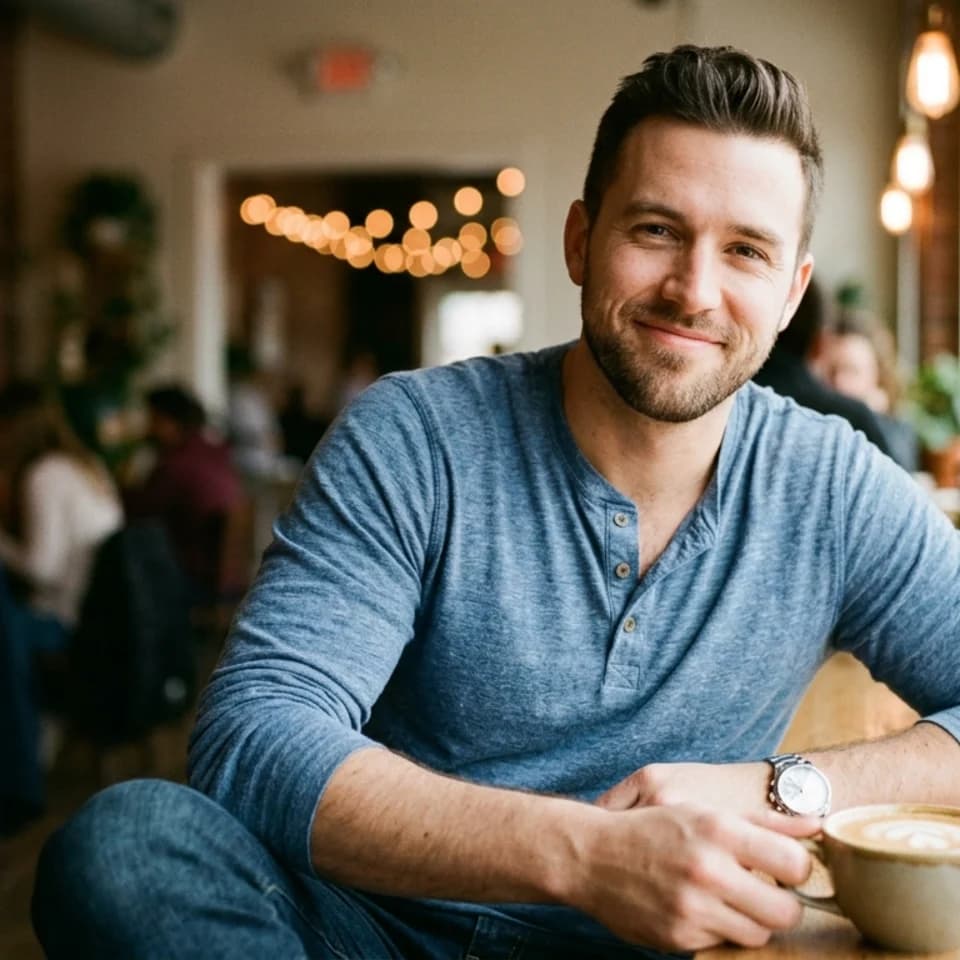
Coffee Shop Casual
Natural, relaxed coffee shop portrait that feels like a real person.
Tinder photos
The casual warmth that gets the right swipe, not just any swipe. Authentic Tinder photos from one selfie.
Casual, authentic portraits that get the right Tinder match — not just any swipe.
Start with 3 free credits in this pack, choose the looks you want to test first, then upgrade only when the workflow proves itself.
Each scenario page maps directly to a real Pixshop photo pack. These are not placeholder concepts. Click through and the same pack opens in the studio.
Natural, relaxed coffee shop portrait that feels like a real person.
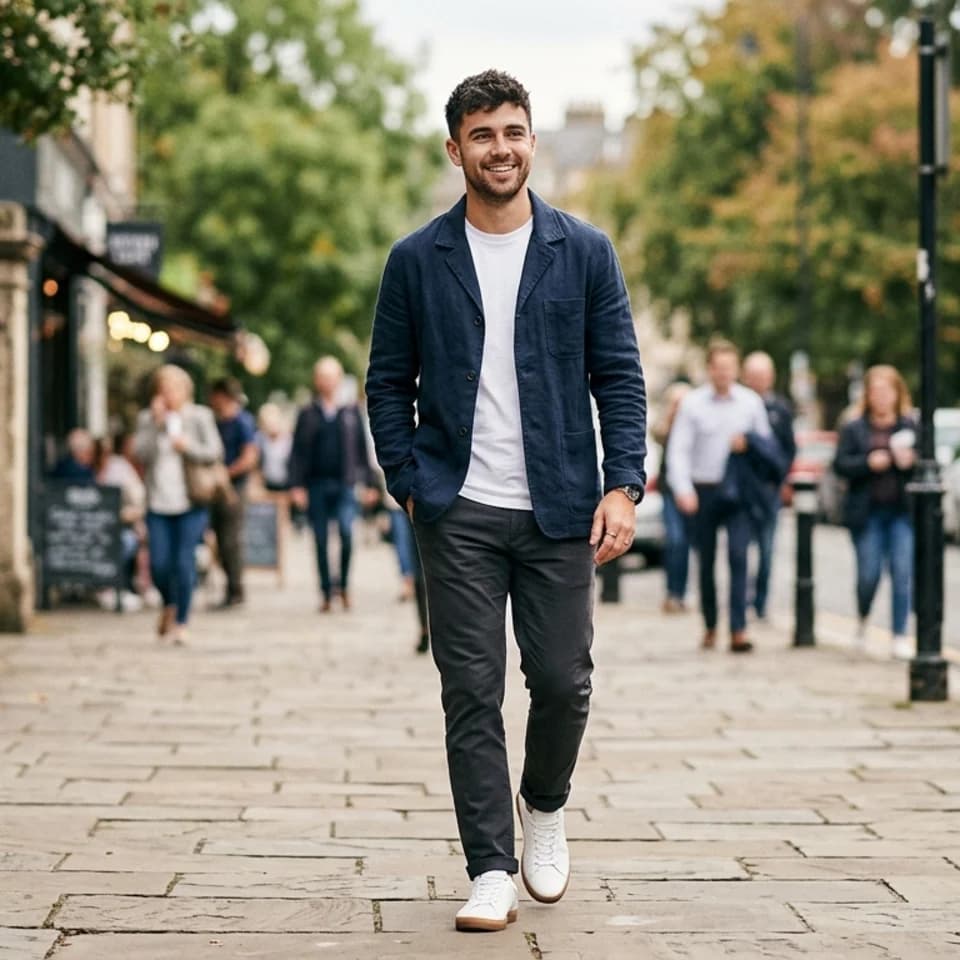
Effortless outdoor portrait that signals an active, balanced life.

Social brunch portrait that signals fun date energy without trying too hard.
Upload one clear selfie — front-facing, good light.
Pixshop generates a set of casual, authentic dating looks.
Pick your keepers and update your Tinder profile.
How it works
Open the scenario pack instead of beginning with a blank tool state.
Upload one selfie and choose the looks you want to generate first inside this pack.
Keep the winner now, then upgrade only if the workflow deserves more room.
These pages are designed to answer specific search intent, then route directly into the matching Pixshop pack.
Tinder is fast — swipes happen in seconds. Photos need to feel immediately authentic and approachable at a glance. Overly polished or glamour-shot photos actually hurt Tinder matches because they feel less genuine.
Pixshop starts from your actual selfie and generates photos that maintain recognizable facial continuity while varying setting, mood, and expression. The result feels like you, not a stock photo.
Use 3-5 varied photos on Tinder: one strong face-forward portrait, one full-body or lifestyle shot, one that shows an interest or hobby, and one candid or social shot. Pixshop's Tinder pack is designed to cover this variety.
Yes. Rerunning Pixshop when you want a refresh is fast and affordable — much easier than rescheduling a photoshoot, and each run can give you new looks and variety.
Each scenario page maps to a different pack, so visitors can move from broad interest to a concrete use case fast.
Dating profiles
One selfie. Multiple dates' worth of photos. Build a warmer, more varied dating set that actually looks like you.

Formal photos for forms, IDs, and applications
Turn one selfie into a square formal photo on a plain white, blue, or red background. An ID picture maker for resumes, company and school IDs, and application forms that ask for formal attire.

LinkedIn, teams, and bios
Create polished headshots for LinkedIn, team pages, speaker bios, founder intros, and resumes from one clear selfie without planning a studio day.
Open the real pack, get your first result fast, and keep iterating only when the workflow earns it.