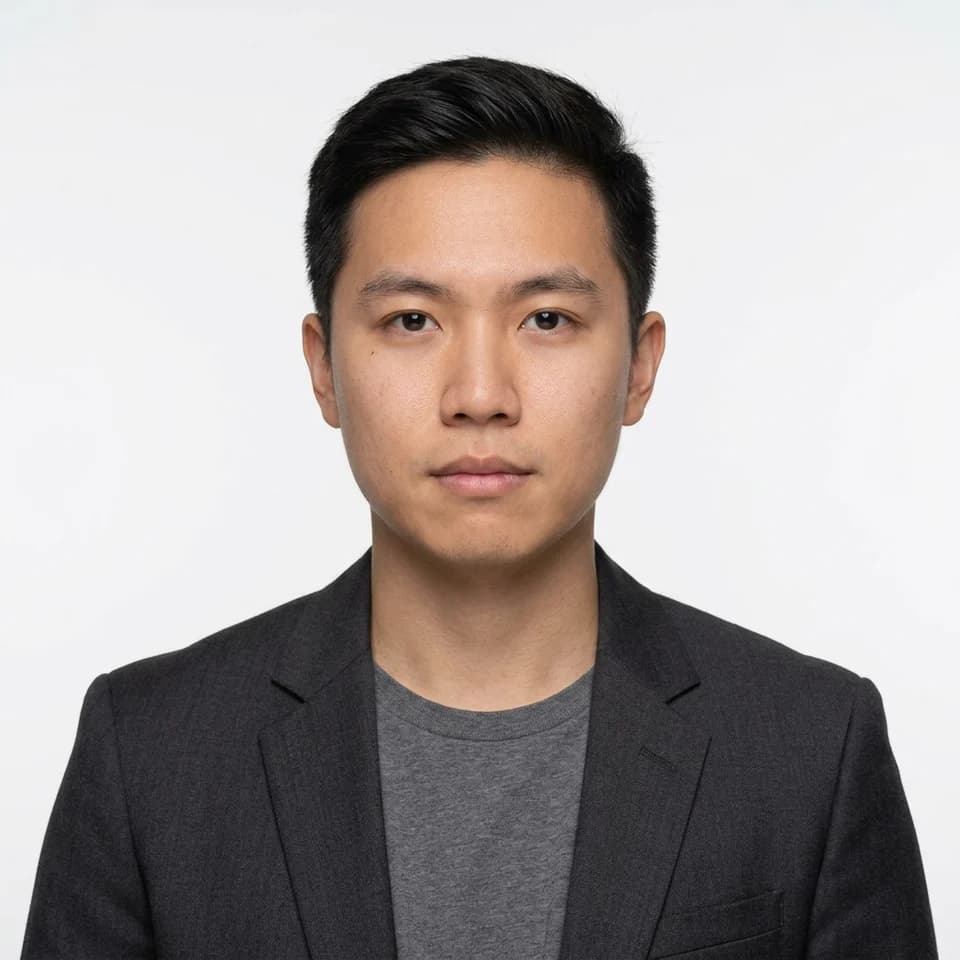
ID Picture — White Background, Blazer
A square white-background photo in a dark tailored blazer over a plain shirt for forms, IDs, and applications.
Formal photo for your résumé or CV
Many Philippine résumés carry a small formal photo in the top corner. Make yours from a selfie in a blazer or collared shirt on a plain background, sized to drop into a Word or Google Docs template.
Square, plain-background photos in formal attire for resumes, company and school IDs, and application forms that ask for a formal photo.
Start with 3 free credits in this pack, choose the looks you want to test first, then upgrade only when the workflow proves itself.
Each scenario page maps directly to a real Pixshop photo pack. These are not placeholder concepts. Click through and the same pack opens in the studio.
A square white-background photo in a dark tailored blazer over a plain shirt for forms, IDs, and applications.
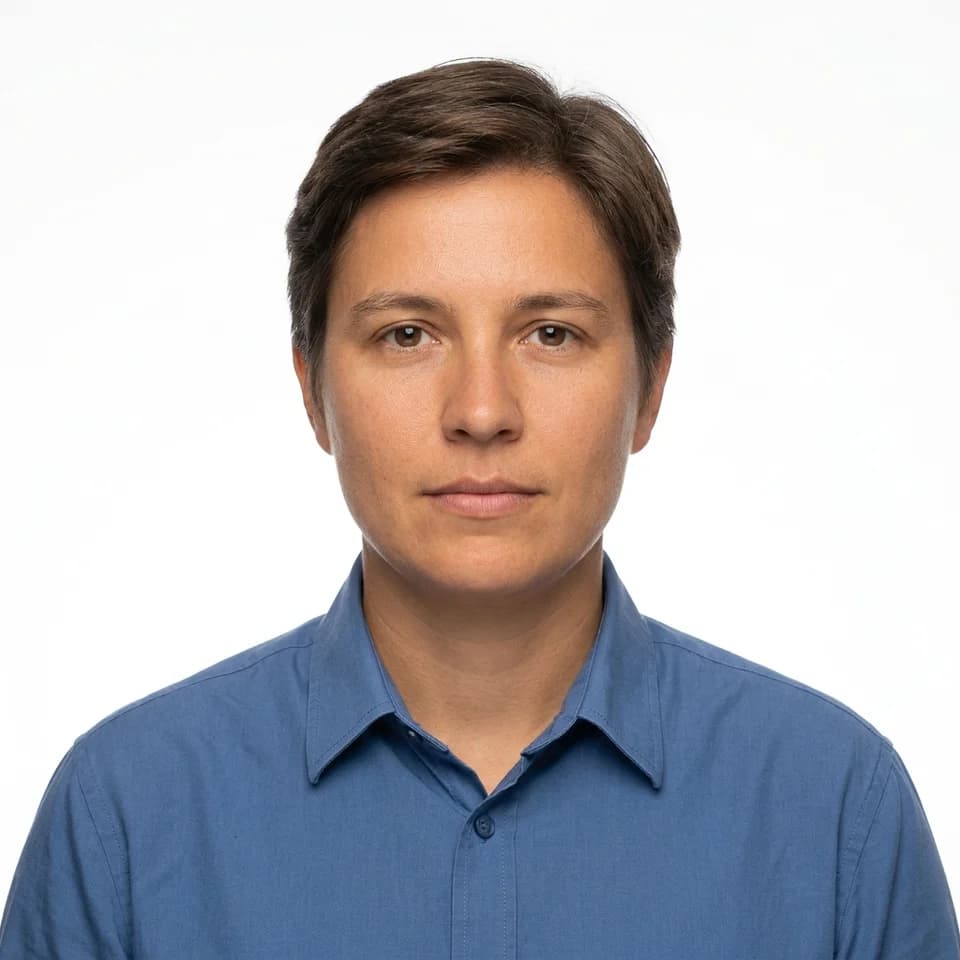
A square white-background photo in a plain buttoned collared shirt, no jacket for forms, IDs, and applications.
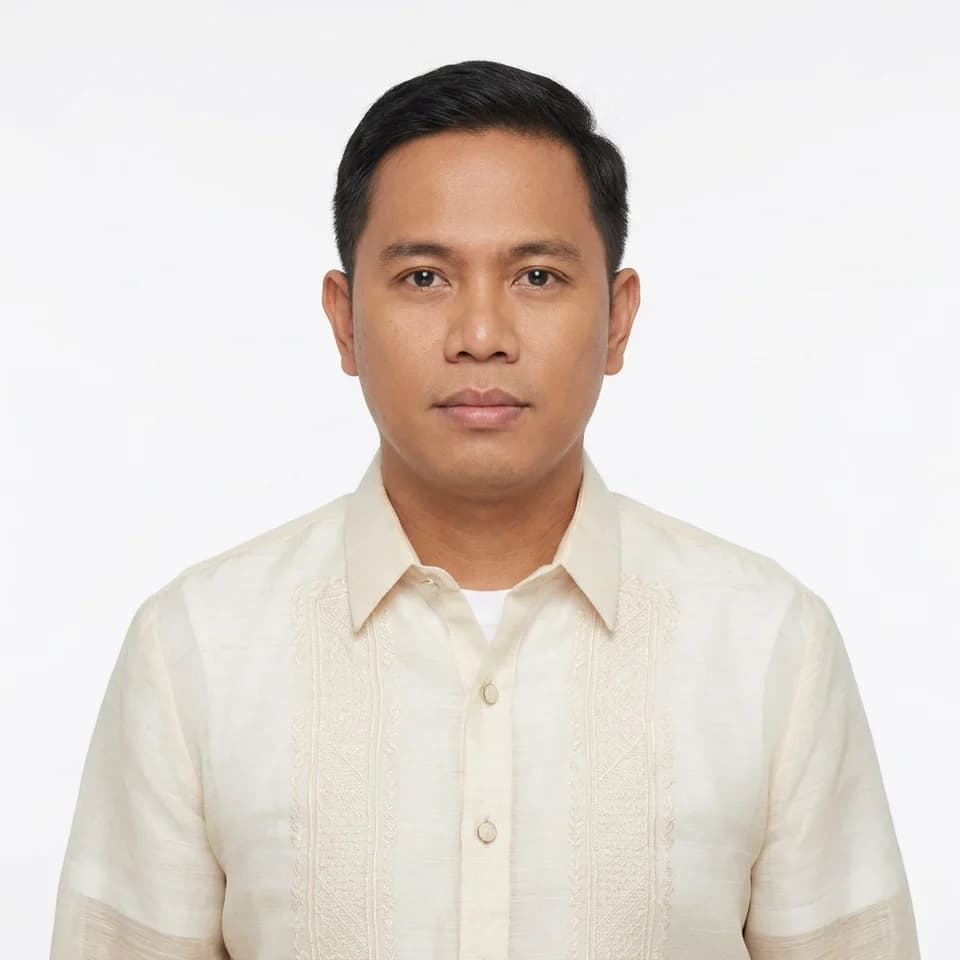
A square white-background photo in a barong tagalog in cream or white, worn correctly over an undershirt for forms, IDs, and applications.
Upload a recent selfie so the photo matches how you look at the interview.
Pick a white background with a blazer, the safest choice for most employers.
Preview free, unlock, then insert the 2x2 file into your résumé template.
How it works
Open the scenario pack instead of beginning with a blank tool state.
Upload one selfie and choose the looks you want to generate first inside this pack.
Keep the winner now, then upgrade only if the workflow deserves more room.
These pages are designed to answer specific search intent, then route directly into the matching Pixshop pack.
No. Passports, visas, drivers licences and most government IDs require a recent unaltered photograph, and many issuing authorities reject AI-generated or edited images. Use these photos for resumes, school and company IDs, and forms that ask for a formal photo rather than a legally specified one.
In the Philippines it is common to include one, and many application forms ask for it. Some companies abroad prefer no photo, so check the job posting before you add it.
Yes. The guide explains what makes a good résumé photo. This page is the tool that makes the photo and exports it at the size your template needs.
Generating is free with your 3 starter credits, and each result is a watermarked preview so you can check it before paying. The $19 Headshot Pack unlocks your previews in full resolution, with every print size and the print sheets, and adds 100 more photos. If you download nothing in full resolution, you can get a full refund within 7 days.
Each scenario page maps to a different pack, so visitors can move from broad interest to a concrete use case fast.
Formal photos for forms, IDs, and applications
Turn one selfie into a square formal photo on a plain white, blue, or red background. An ID picture maker for resumes, company and school IDs, and application forms that ask for formal attire.
Put formal clothes on any selfie
Upload a casual selfie and get the same face in formal attire on a plain background. Choose a dark blazer, a collared shirt, or a barong tagalog, on white, blue, or red.
2x2 inch formal photo from a selfie
Get a 2x2 inch (5.08 cm) photo in formal attire on a white, blue, or red background, at 300 or 600 dpi, plus a 4R print sheet with cut guides.
Open the real pack, get your first result fast, and keep iterating only when the workflow earns it.