Use case
Your application file
When programs see your photo, it sits next to your scores, letters, and personal statement. A calm, conservative frame fits that context.
Medical students applying to residency
Fourth-year medical students rarely have time for a studio. Pixshop makes a clean, white-coat residency headshot from one selfie, ready for your application and interview materials.
Clean, credible headshots for clinicians, specialists, and healthcare leaders.
Start with 3 free credits in this pack, choose the looks you want to test first, then upgrade only when the workflow proves itself.
Use cases
Each look in this pack is tuned for the surfaces below.
Use case
When programs see your photo, it sits next to your scores, letters, and personal statement. A calm, conservative frame fits that context.
Use case
Programs may add applicant photos to interview rosters so faculty can put a face to each file. That works only if the photo looks like you on the day.
Use case
After interview season, faculty may review files together. A clear headshot helps them remember the conversation they had with you.
Use case
Once you match, colleagues will look you up. The same photo can carry into your intern profile with a warmer crop.
Each scenario page maps directly to a real Pixshop photo pack. These are not placeholder concepts. Click through and the same pack opens in the studio.
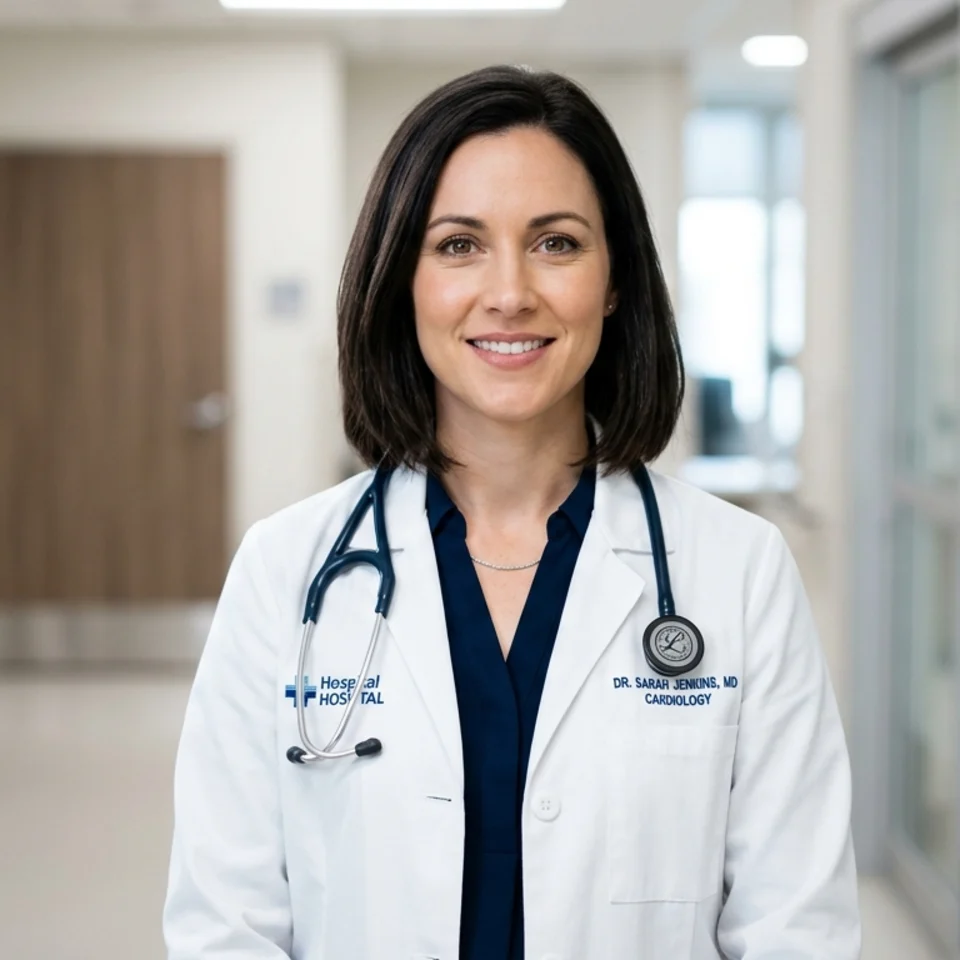
Classic clinician portrait projecting credibility and care for hospital bios.
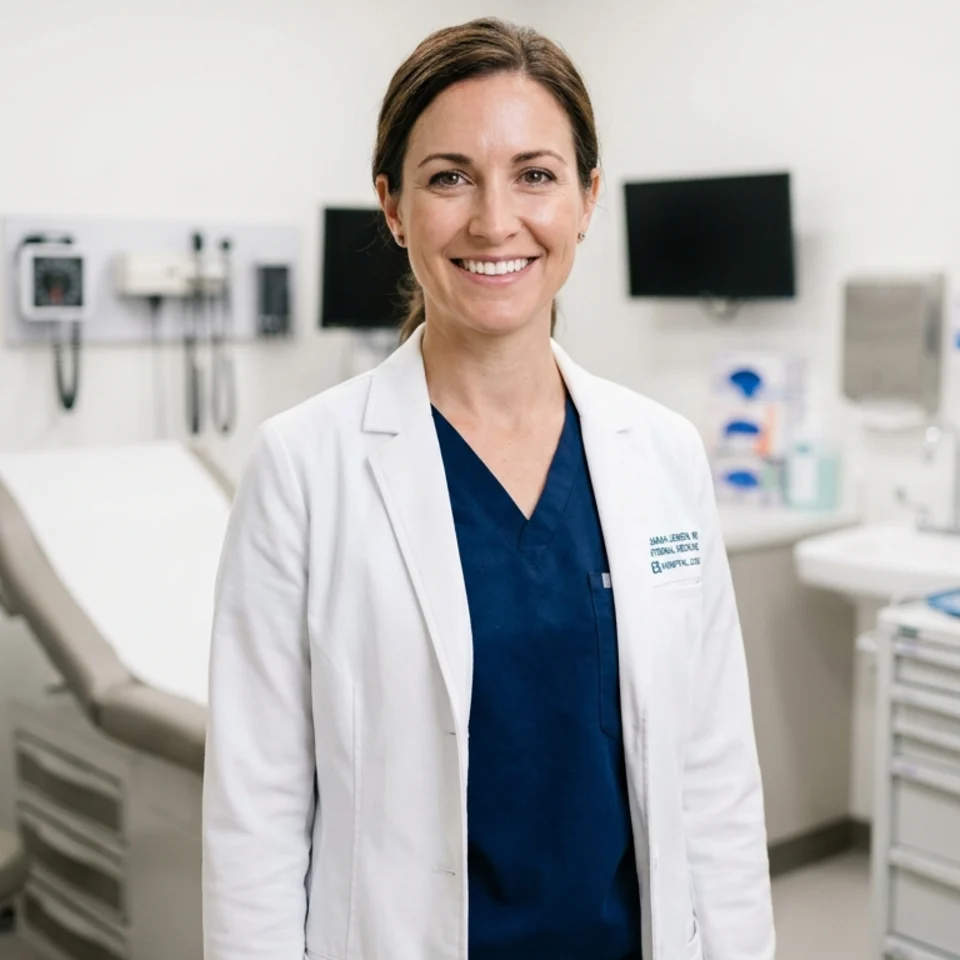
In-context clinical portrait that signals hands-on expertise.

Warm private-practice portrait for patient-facing websites and bios.
Start on the White Coat look: clean clinical setting, crisp coat over professional attire, calm expression.
Upload a selfie with your interview-day hair and glasses, since faculty may compare the photo with your face on screen.
Keep one plain frame for the application and use Clinical or Hospital Window for LinkedIn or Doximity.
How it works
Open the scenario pack instead of beginning with a blank tool state.
Upload one selfie and choose the looks you want to generate first inside this pack.
Keep the winner now, then upgrade only if the workflow deserves more room.
These pages are designed to answer specific search intent, then route directly into the matching Pixshop pack.
Rules on whether the photo is required, and when programs can see it, have changed across recent cycles. Check the current photo instructions from your application service before you upload.
Many applicants do, and the White Coat look is built for it. If your school discourages coats, the Private Practice look uses a blazer instead.
No. Hospital ID badges, medical licensing boards, and other official records usually take their own photos or have strict rules. Pixshop images are not for those uses.
Each scenario page maps to a different pack, so visitors can move from broad interest to a concrete use case fast.
Physicians, specialists, and healthcare professionals
Create trustworthy, authoritative headshots from one selfie for hospital directories, practice websites, insurance profiles, and medical media — without scheduling a studio.
Nurses, NPs, PAs, and allied health professionals
Create trustworthy, patient-ready headshots from one selfie for hospital directories, clinic profiles, nursing association pages, and LinkedIn — without scheduling a studio.

Professors, lecturers, postdocs, and researchers
Faculty profiles, lab pages, and conference programs all ask for a photo, usually on short notice. Pixshop makes academic headshots from one selfie in faculty-office, library, and seminar settings.
Open the real pack, get your first result fast, and keep iterating only when the workflow earns it.