Premium AI headshot studio comparison

Pixshop vs Try It On AI

Pick Pixshop when you want a quick self-serve workflow, free credits, and repeat photo jobs beyond headshots. Pick Try It On AI when you want a premium headshot/team vendor with human editor access and brand-controlled portrait style.

Choose Pixshop if

  • You want to move from a single selfie to a usable result without sales calls, team setup, or a custom style process.
  • You want a lightweight subscription that can cover headshots this week and dating or creator photos later.
  • You are optimizing for speed and founder leverage, not white-glove headshot service.

Choose Try It On AI if

  • You want premium AI headshots with access to human editors.
  • You are buying for a team and need on-brand, consistent portraits.
  • You value a provider founded around portrait photography and premium service more than self-serve breadth.

Side-by-side comparison

The table focuses on practical purchase criteria, not a generic feature dump.

Pixshop versus Try It On AI comparison
FeaturePixshopTry It On AI
Photos needed to startOne clear selfieOften 10+ selfies for style campaigns; varies by flow
Free to try3 free credits, no card requiredFree headshot page exists; paid studio flows vary
Starting priceFree (3 credits) -> $19/moIndividual/team pricing; some limited styles list $17 credits
Pricing modelMonthly credits: 100 on Creator, 300 on ProPhotoshoot credits, individual packages, and team workflows
Main focusFast self-serve personal photo studioPremium AI headshots and corporate portraits
Human editorsNo human-editing serviceHuman editor access is marketed as included
Team portraitsUseful for small self-serve team needsStrong team and enterprise positioning
Beyond headshotsHeadshots, dating photos, lifestyle packs, fantasy portraits, and AI editingPortrait styles and custom AI studio offerings

Pixshop angle

What Pixshop does differently

Pixshop keeps the workflow narrow and immediate: choose the job, upload one selfie, test a few looks, and only pay or iterate when the output proves useful.

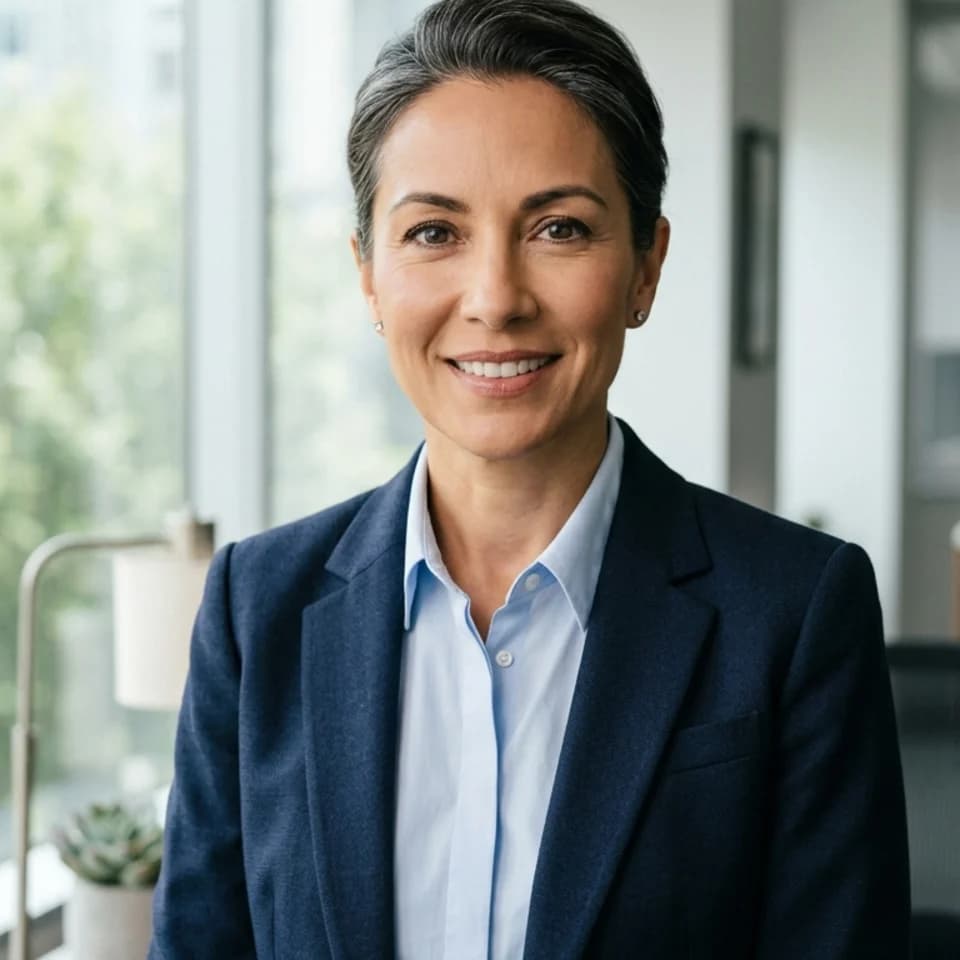
Editorial Leadership Portrait preview generated with Pixshop

Related Pixshop page

Team Headshots

Sharper homepage portrait for leadership pages that need more authority without losing warmth.

View this use case
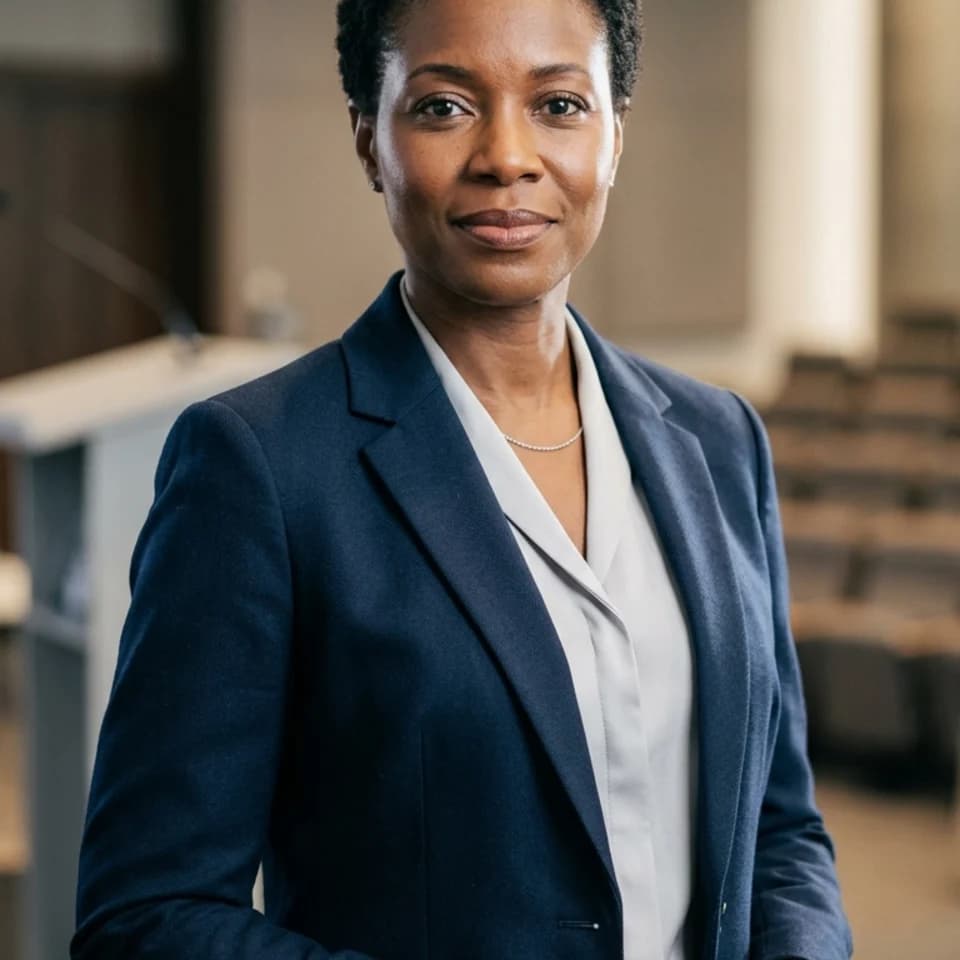
Keynote Executive Portrait preview generated with Pixshop

Related Pixshop page

Executive Headshots

Keynote-ready executive portrait for events and conference bios.

View this use case
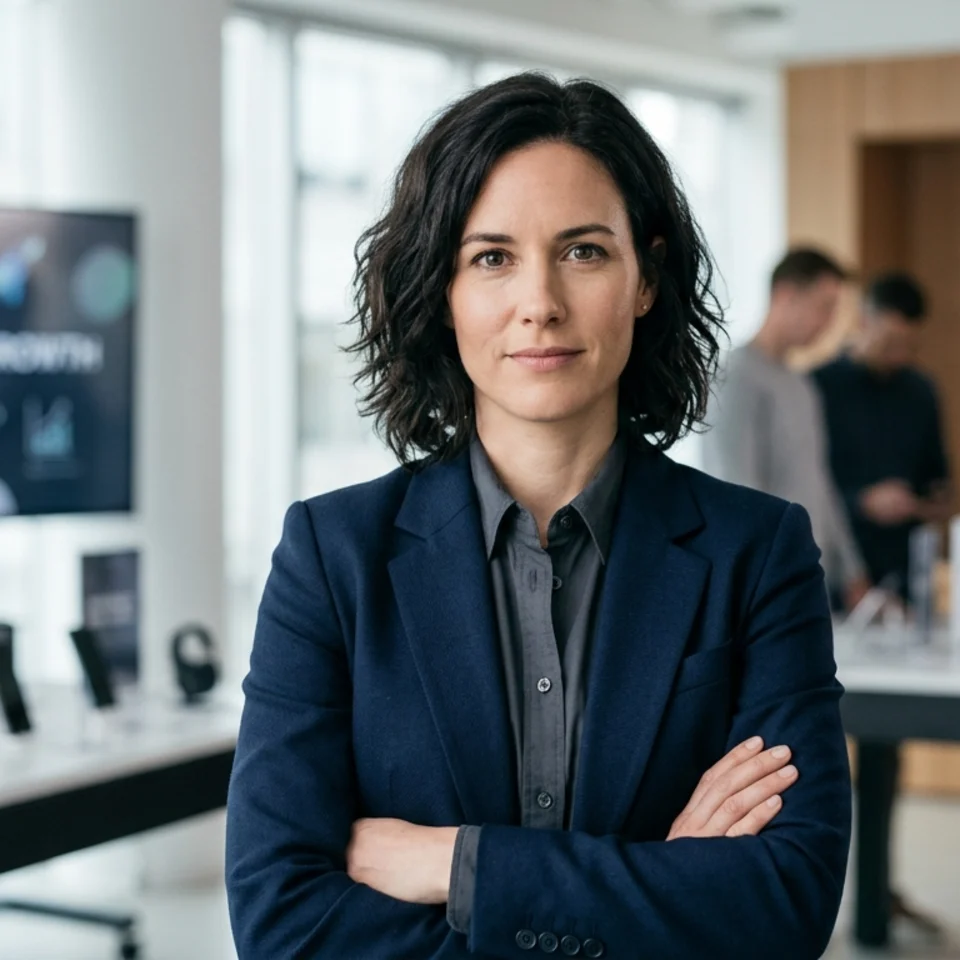
Launch Press Portrait preview generated with Pixshop

Related Pixshop page

Startup Headshots

Press-ready launch portrait for announcements and media kits.

View this use case
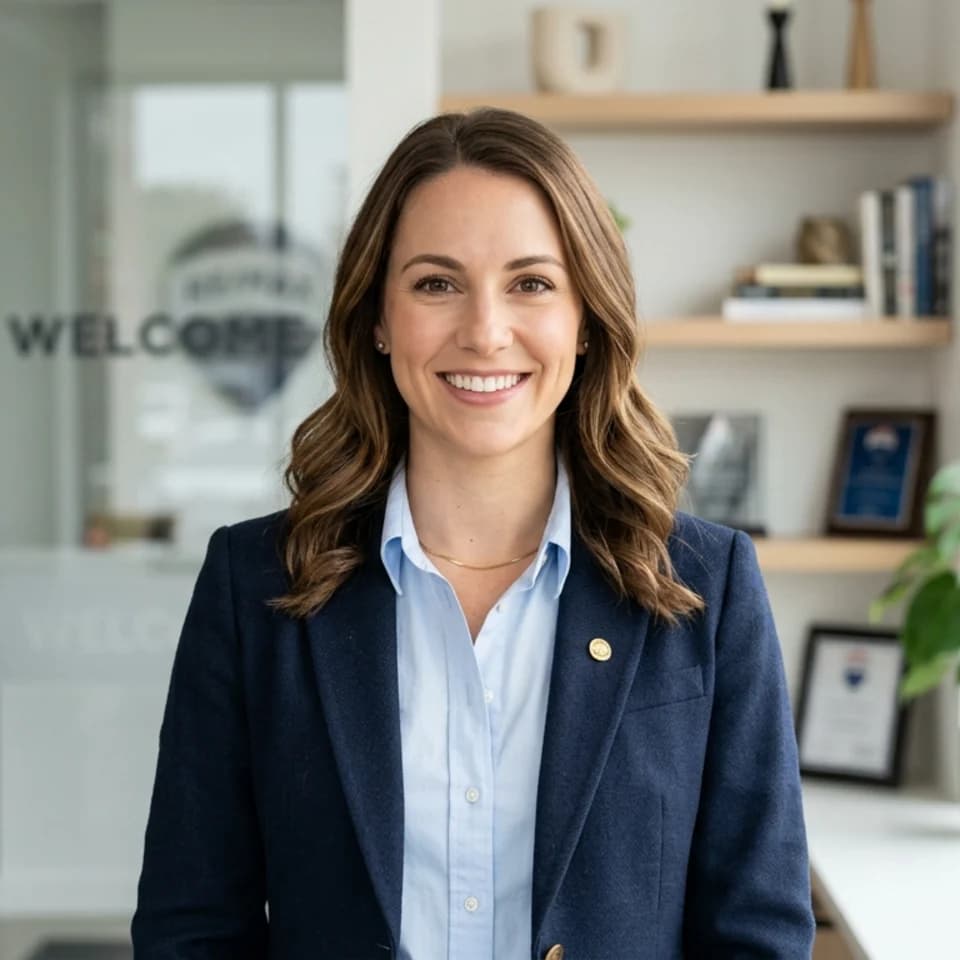
Real Estate Team Page preview generated with Pixshop

Related Pixshop page

Real Estate Headshots

Consistent real estate team portrait for public staff grids.

View this use case

Fair comparison

When Try It On AI is still a good choice

Try It On AI is still a good pick if you want a premium, service-backed portrait provider, especially for teams, custom style direction, or human editor support.

Common questions about Pixshop vs Try It On AI

Short answers for the switching questions people usually have before trying a new AI photo tool.

Is Pixshop better than Try It On AI?

Pixshop is better for fast self-serve personal photo jobs from one selfie. Try It On AI is better for premium AI headshots, team portraits, and cases where human editor access matters.

Does Pixshop offer human editors?

No. Pixshop focuses on AI generation and AI editing. Try It On AI markets access to human editors, which can matter for high-stakes portraits and teams.

Which tool is better for solo founders?

For a solo founder who needs a fast headshot, launch profile, or investor-deck portrait, Pixshop is usually the faster self-serve path. For a broader company portrait program, Try It On AI may be a better fit.

Start with one selfie

3 free credits. No card required. See whether Pixshop gets the first useful photo right.