Productized headshot app vs open-source image model

Pixshop vs Stable Diffusion

Pick Pixshop when you want good headshots fast with no technical setup. Pick Stable Diffusion when you want full local control, are comfortable with prompt engineering, or are building on top of the model.

Choose Pixshop if

  • You want a headshot from one selfie without setting up a model, GPU, or UI.
  • Consistency and likeness matter — you want to look like yourself, not a generated person.
  • You do not have the time or interest in prompt engineering and local installation.

Choose Stable Diffusion if

  • You want full local control over model weights, prompts, and outputs.
  • Privacy-sensitive use case where cloud processing is not acceptable.
  • You already have the GPU hardware and enjoy tinkering with model pipelines.

Side-by-side comparison

The table focuses on practical purchase criteria, not a generic feature dump.

Pixshop versus Stable Diffusion comparison
FeaturePixshopStable Diffusion
Setup timeMinutes — sign up, pick a pack, upload selfieHours to days — install UI, download models, configure
Technical skill requiredNone — product UI handles everythingModerate to high — prompt engineering, model management
Photos needed to startOne clear selfieVaries — DreamBooth fine-tuning needs 15-20 photos
Selfie fidelityOptimised for likeness from one clear selfieRequires fine-tuning (DreamBooth/LoRA) for likeness
Consistency across runsPack-tuned for consistent resultsVaries by seed, prompt, and sampler settings
CostFree (3 credits) -> $19/moFree software — costs hardware or cloud compute
PrivacyCloud-based with 30-day media cleanupFully local — no data leaves your machine
Output quality ceilingTuned for practical professional-quality portraitsTheoretically unlimited — requires expertise to reach

Pixshop angle

What Pixshop does differently

Pixshop abstracts away the model entirely. You get a practical result from one selfie without understanding diffusion models, samplers, or CFG scales.

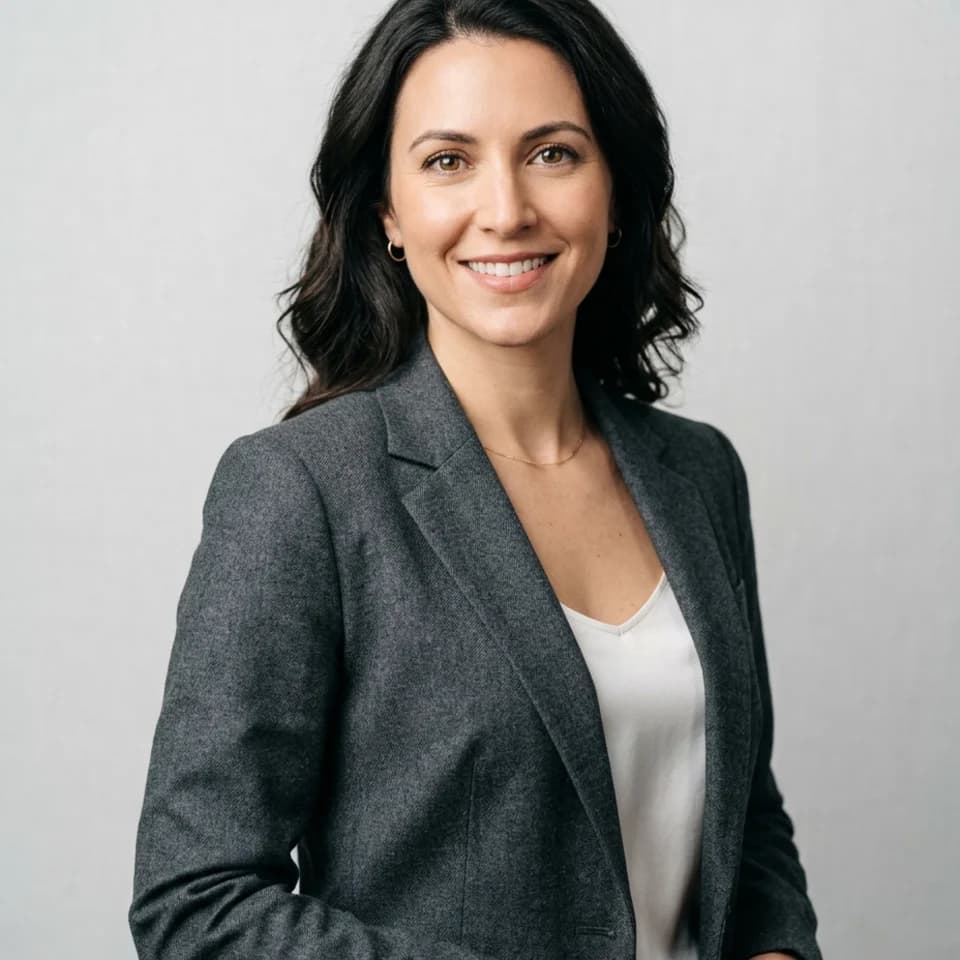
Tailored Studio Headshot preview generated with Pixshop

Related Pixshop page

AI Headshots

Clean, high-trust opener for LinkedIn, resumes, and press kits.

View this use case
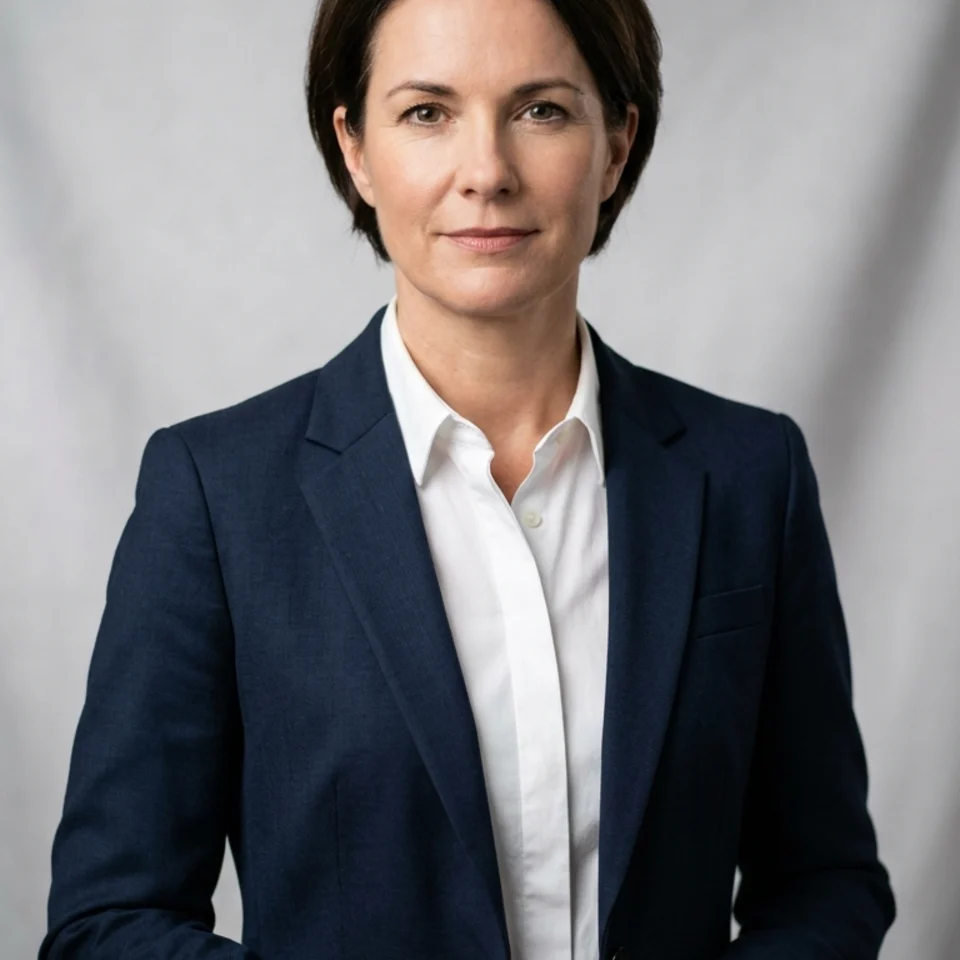
Executive Press Portrait preview generated with Pixshop

Related Pixshop page

Executive Headshots

Media-ready executive portrait for press kits and leadership announcements.

View this use case
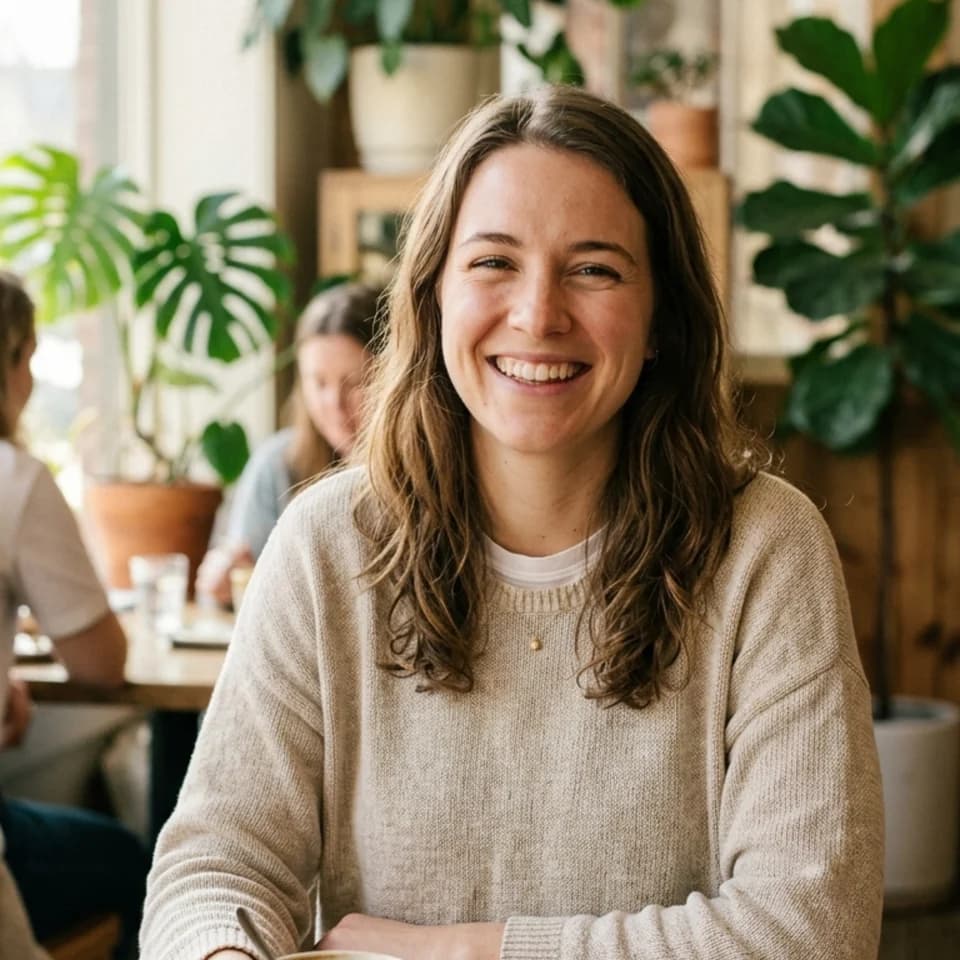
Morning Coffee preview generated with Pixshop

Related Pixshop page

Dating Profile Photos

Warm, approachable café portrait for a dating profile opener that feels real.

View this use case
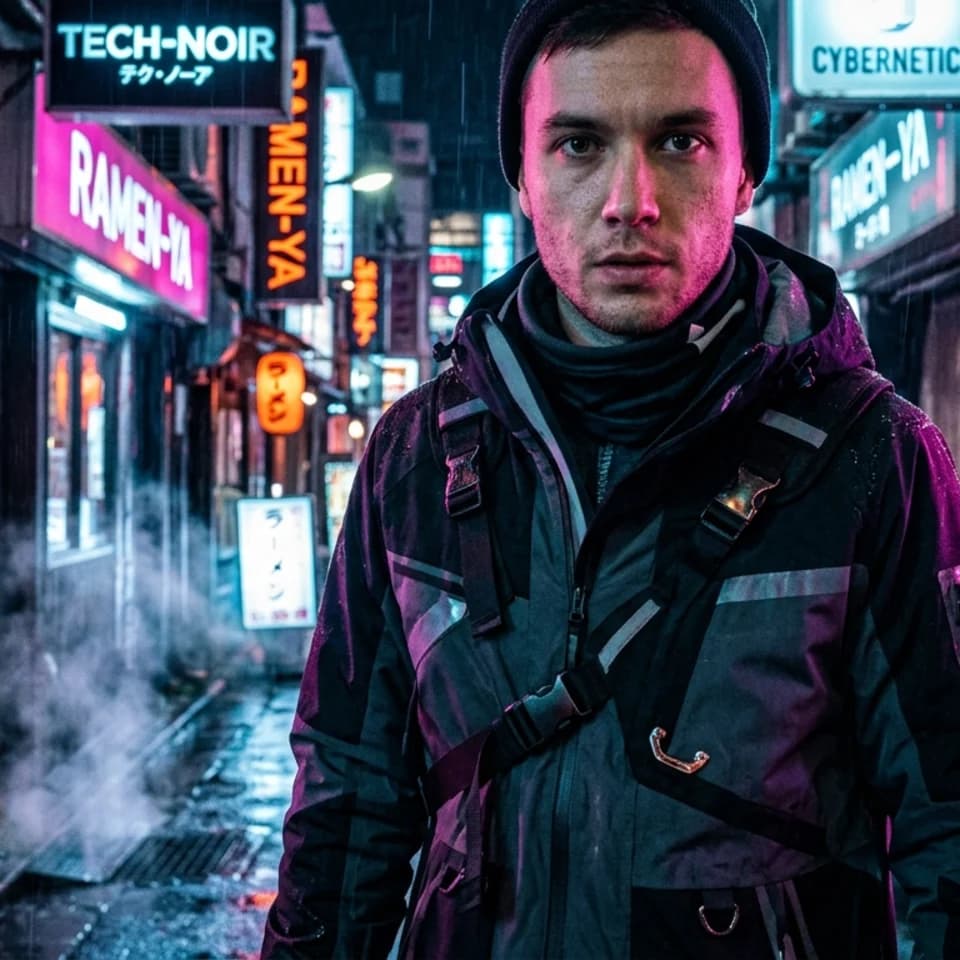
Neon Alley Runner preview generated with Pixshop

Related Pixshop page

Fantasy Portraits

High-share cyberpunk opener with strong mood and clear face continuity.

View this use case

Fair comparison

When Stable Diffusion is still a good choice

Stable Diffusion is the right choice if local processing, full control, or building on an open-source model matters more than time-to-result.

Common questions about Pixshop vs Stable Diffusion

Short answers for the switching questions people usually have before trying a new AI photo tool.

Can Stable Diffusion generate headshots that look like me?

Yes, but it requires DreamBooth or LoRA fine-tuning with 15-20 reference photos and technical setup. Pixshop does this from one selfie with no configuration required.

Is Stable Diffusion free compared to Pixshop?

The Stable Diffusion model weights are free, but you need GPU hardware or paid cloud compute to run it. Pixshop starts free with 3 credits and no hardware required.

Which is better for a quick LinkedIn headshot?

Pixshop is significantly faster — you can have a LinkedIn-ready headshot in minutes from one selfie. Stable Diffusion requires model setup and fine-tuning before generating a photo that looks like you.

Start with one selfie

3 free credits. No card required. See whether Pixshop gets the first useful photo right.