

AI image chat comparison

Pixshop vs Gemini Images

Pick Pixshop when you need a usable photo of yourself for headshots, dating, team pages, or personal profiles. Pick Gemini when you want a general AI assistant for image generation, image edits, references, and Google-native creative exploration.

Choose Pixshop if

  • You want the product to guide the photo outcome instead of asking a chat model to infer it.
  • You need profile-ready realism from one selfie, with curated looks already mapped to personal photo jobs.
  • You want a small web studio dedicated to photos of you rather than a general AI assistant.

Choose Gemini if

  • You want a general AI assistant that can generate images, answer questions, and help with other tasks.
  • You want Gemini image editing and generation inside Google apps or Google AI workflows.
  • You need prompt-driven experimentation more than a dedicated personal-photo pack.

Side-by-side comparison

The table focuses on practical purchase criteria, not a generic feature dump.

Pixshop versus Gemini Images comparison
FeaturePixshopGemini
Primary jobGenerate realistic personal photo sets from one selfieGeneral AI assistant image generation and editing
Photos needed to startOne clear selfieText prompt; optional uploaded images or references depending on flow
Free to try3 free credits, no card requiredAvailability varies by country, age, account type, app, and plan
Starting priceFree (3 credits) -> $19/moAccess varies across Gemini apps, Google AI plans, and Workspace plans
Personal photo workflowDedicated looks for headshots, dating photos, teams, travel, and fantasy portraitsCapable model features, but not a Pixshop-style pack catalog
Image editingPrompt-driven AI editor for backgrounds, outfits, additions, and refinementsGemini image editing and Nano Banana workflows
Google ecosystemIndependent web appStrong if you already work in Gemini, Google apps, or Workspace
Best fitFast profile-ready photos from one selfieConversational image generation, edits, and general AI help

Pixshop angle

What Pixshop does differently

Pixshop wraps the model capability in a narrower product. Instead of starting with an open prompt, it starts with the photo surface you care about and routes one selfie into looks designed for that job.

City Leadership Profile preview generated with Pixshop

Related Pixshop page

AI Headshots

More elevated professional portrait for high-visibility personal brands.

View this use case
City Lights preview generated with Pixshop

Related Pixshop page

Dating Profile Photos

Moody night rooftop portrait with glittering city bokeh.

View this use case
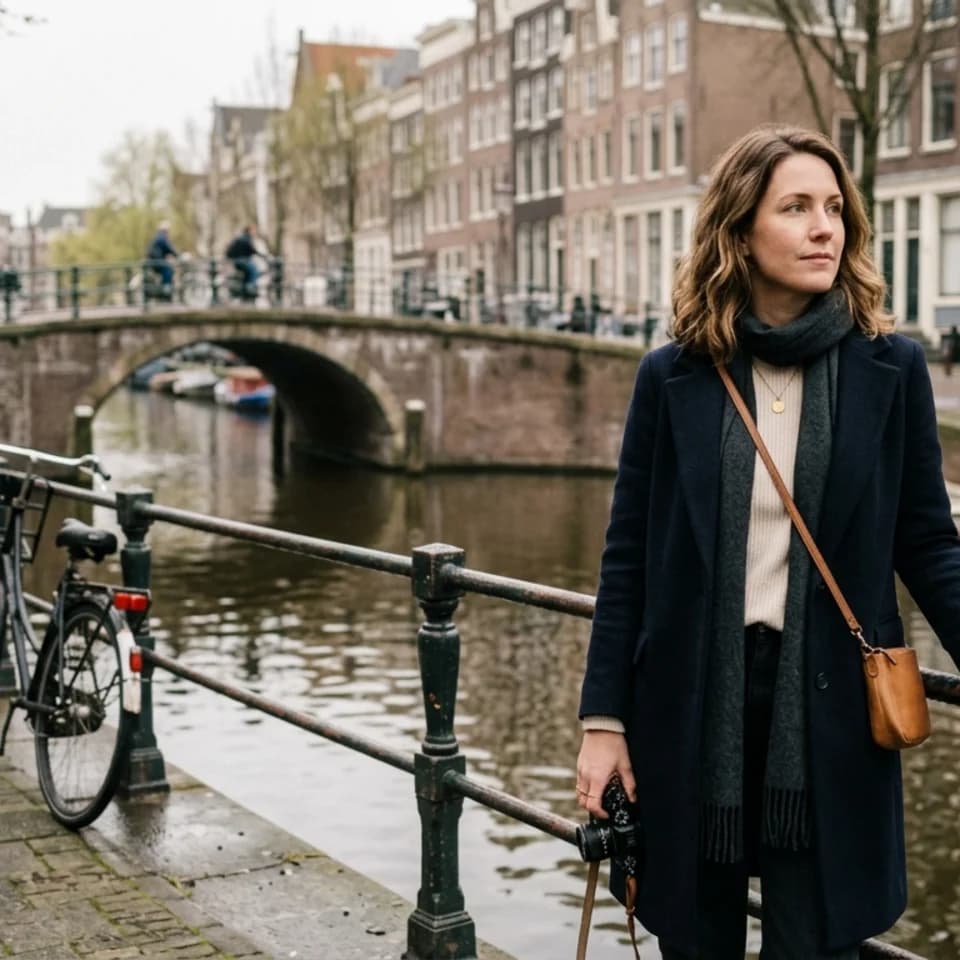
Canal Window Seat preview generated with Pixshop

Related Pixshop page

Travel Portraits

Canal-side portrait that feels intimate and travel-real instead of postcard-obvious.

View this use case
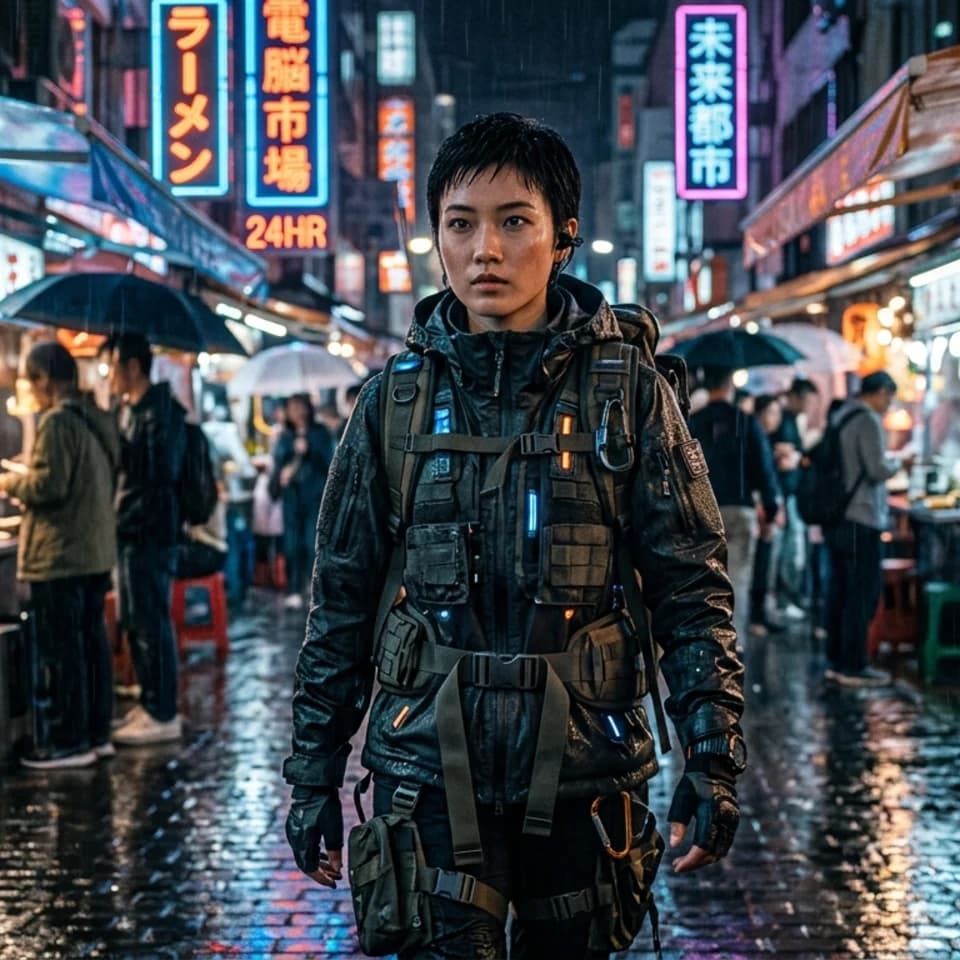
Rain Market Drift preview generated with Pixshop

Related Pixshop page

Fantasy Portraits

Cyberpunk street portrait with richer worldbuilding and believable rain-soaked atmosphere.

View this use case

Fair comparison

When Gemini is still a good choice

Gemini is still better when you want a general AI assistant, Google-native workflows, conversational image edits, or quick creative experiments that go beyond personal profile photos.

Common questions about Pixshop vs Gemini

Short answers for the switching questions people usually have before trying a new AI photo tool.

Is Pixshop better than Gemini for AI photos?

Pixshop is better for realistic personal-photo jobs from one selfie. Gemini is better as a general AI assistant for image generation, image edits, and broader Google ecosystem tasks.

Can Gemini edit photos?

Yes. Gemini image generation pages describe editing and Nano Banana workflows. Pixshop also has AI editing, but its main advantage is the guided one-selfie photo-pack workflow.

Why use Pixshop instead of Gemini prompts?

Use Pixshop when you want less prompt setup and more product guidance. The packs are designed around practical outputs like LinkedIn headshots, dating photos, team bios, travel portraits, and fantasy portraits.

Start with one selfie

3 free credits. No card required. See whether Pixshop gets the first useful photo right.