Use case
Your About page
Collectors who like your work click through to see who made it. A studio portrait connects your face to your practice.
Painters, sculptors, illustrators, and visual artists
Get studio, atelier, and gallery-wall portraits from one selfie. They suit artist bios, exhibition press releases, and open-call applications that ask for a photo of the artist.
Studio and gallery headshots for visual artists — grounded, credible, and true to the craft.
Start with 3 free credits in this pack, choose the looks you want to test first, then upgrade only when the workflow proves itself.
Use cases
Each look in this pack is tuned for the surfaces below.
Use case
Collectors who like your work click through to see who made it. A studio portrait connects your face to your practice.
Use case
Galleries send an artist photo with show announcements. The Press Wall look is plain enough for editors to crop freely.
Use case
Some applications ask for an artist photo next to work samples. A grounded, neutral portrait keeps attention on the work.
Use case
Studio visits and art fairs often follow an online introduction. The Collector Meeting look reads professional without feeling corporate.
Each scenario page maps directly to a real Pixshop photo pack. These are not placeholder concepts. Click through and the same pack opens in the studio.
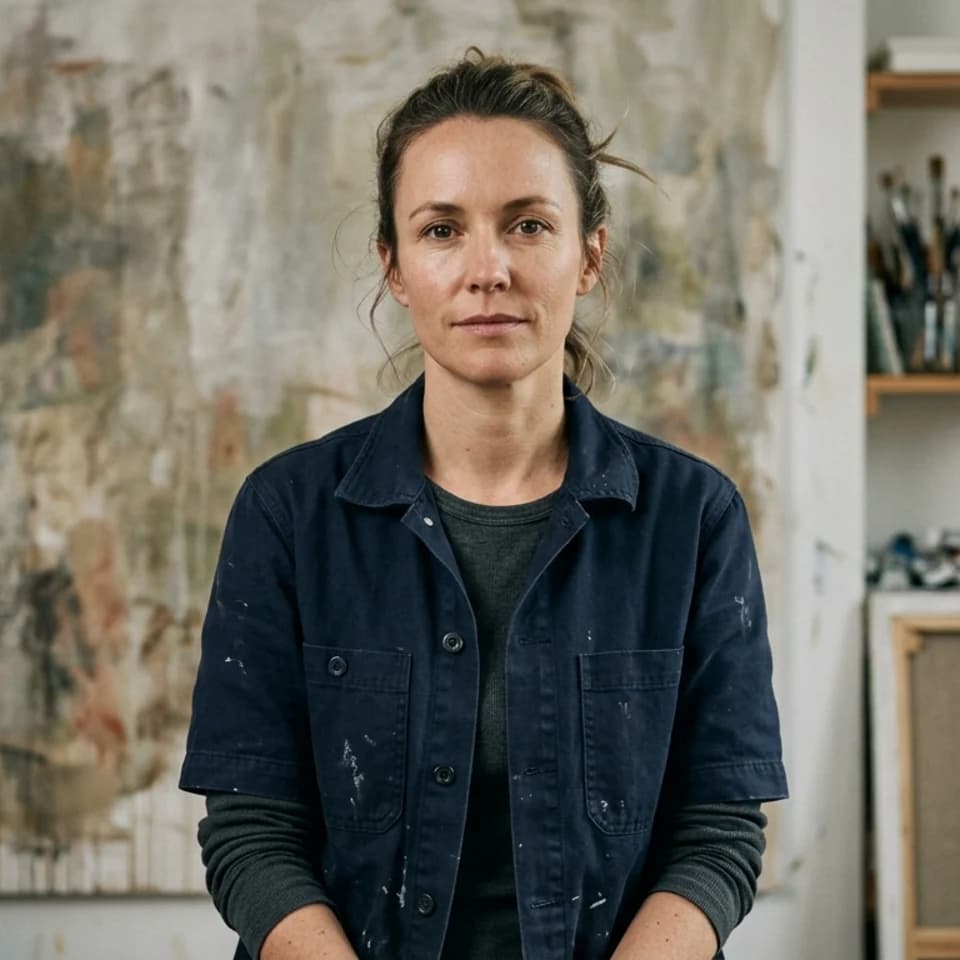
Grounded artist portrait that signals craft and credibility for bios and press.
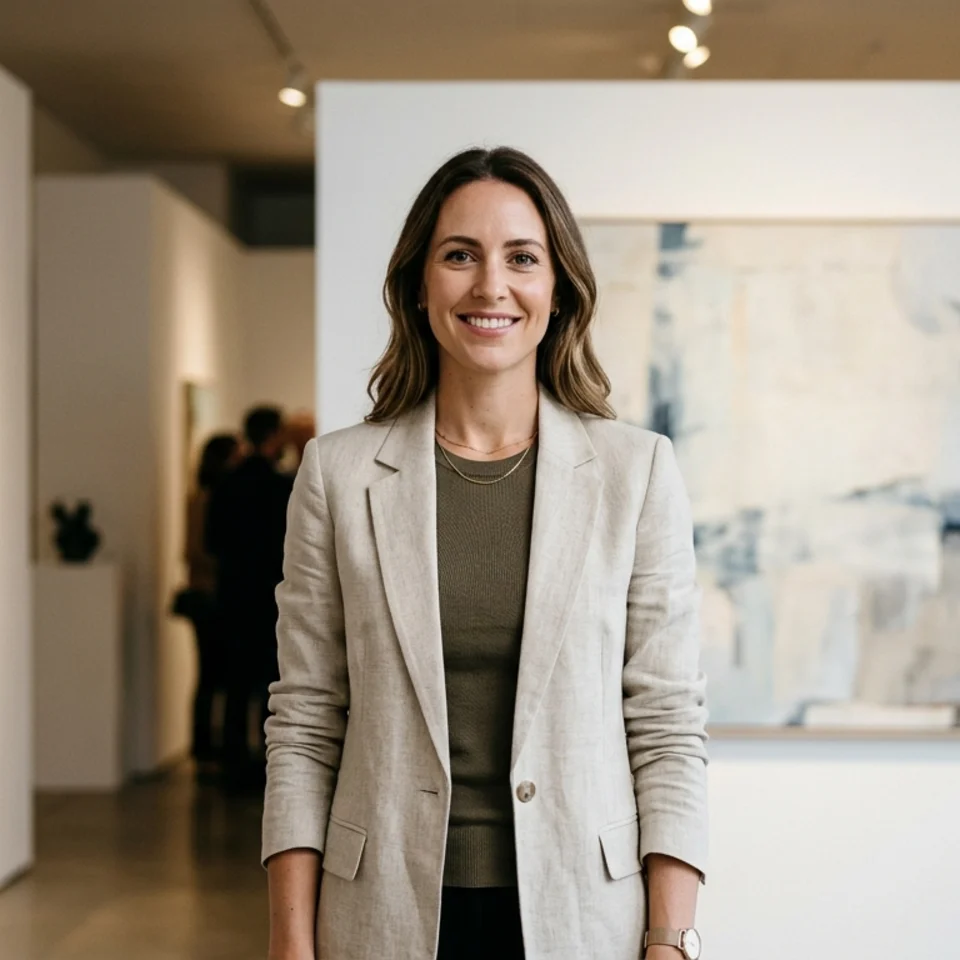
Professional gallery portrait with art-world context for press and submissions.
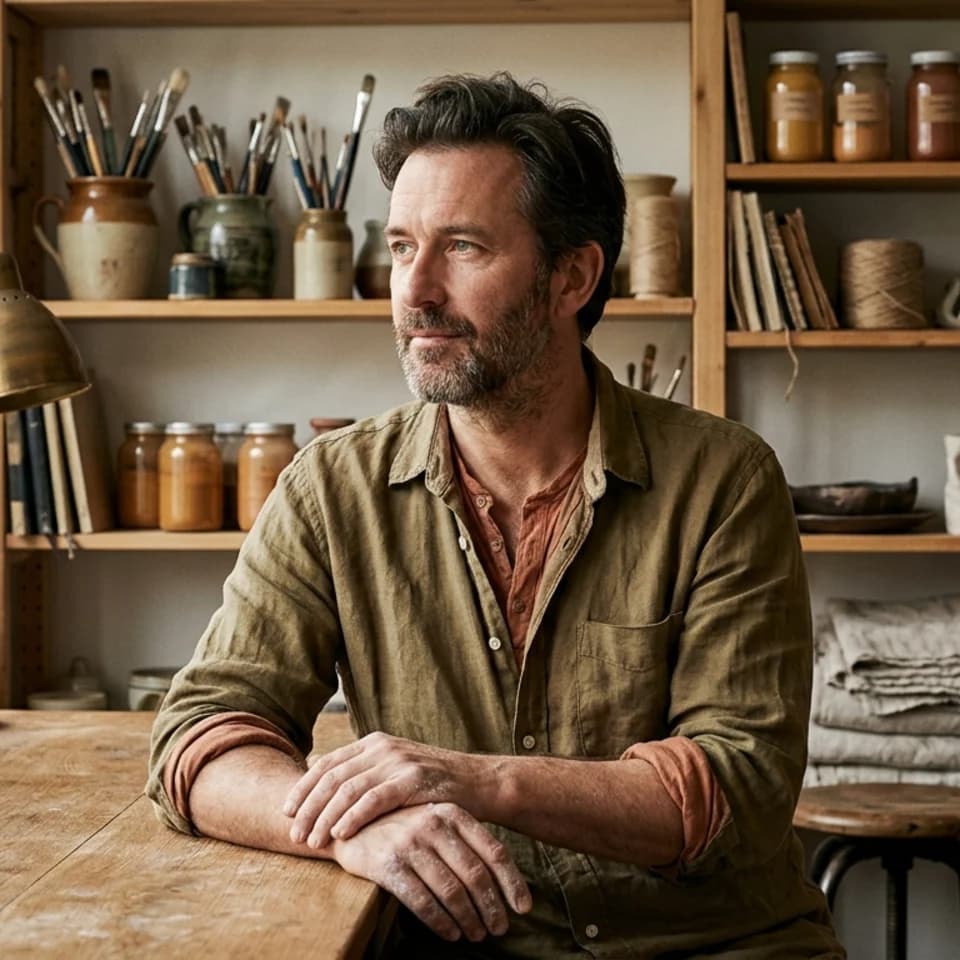
Intimate atelier portrait that reveals personality and creative world.
Begin with the Studio look: canvases, natural light, and clean workwear that says you make things.
Use a selfie in your usual studio clothing so the portrait matches how collectors meet you.
Add Gallery Opening or Press Wall when a gallery or press office needs something more formal.
How it works
Open the scenario pack instead of beginning with a blank tool state.
Upload one selfie and choose the looks you want to generate first inside this pack.
Keep the winner now, then upgrade only if the workflow deserves more room.
These pages are designed to answer specific search intent, then route directly into the matching Pixshop pack.
No. Backgrounds show generic canvases, tools, and gallery walls, softly out of focus. Use real photos when you need your own pieces in the frame.
Artist Press Wall or Neutral Artist Portrait. Both stay quiet so the gallery can place them next to installation shots.
They work better with the Designer pack, which uses minimal studios and architectural interiors. See our architect headshots page.
Each scenario page maps to a different pack, so visitors can move from broad interest to a concrete use case fast.
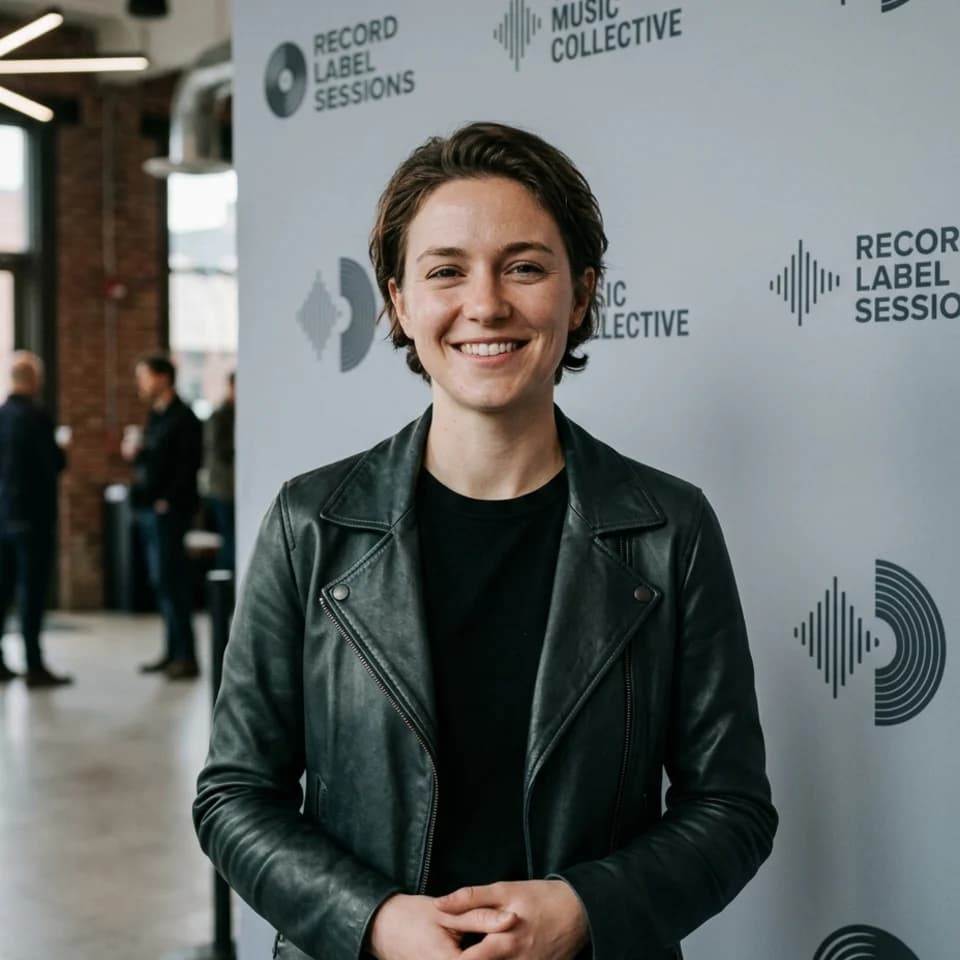
Singers, instrumentalists, bands, and producers
Get backstage, studio, and press-wall musician headshots from one selfie. Use them on artist profiles, venue listings, and the one-sheet that goes out with a release.
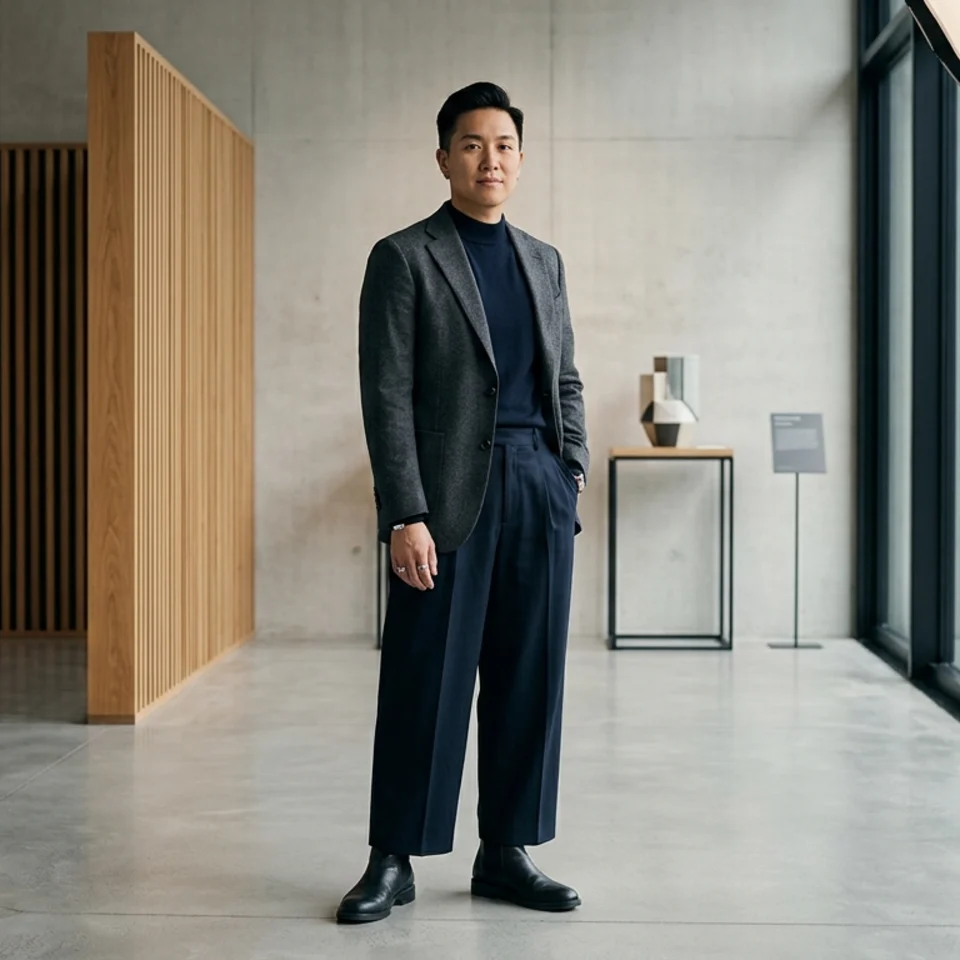
Architects, principals, and design staff
Architecture firms sell judgment and taste, and the team page shows both. Pixshop makes minimal, architectural-interior headshots from one selfie for firm sites, proposals, and award entries.
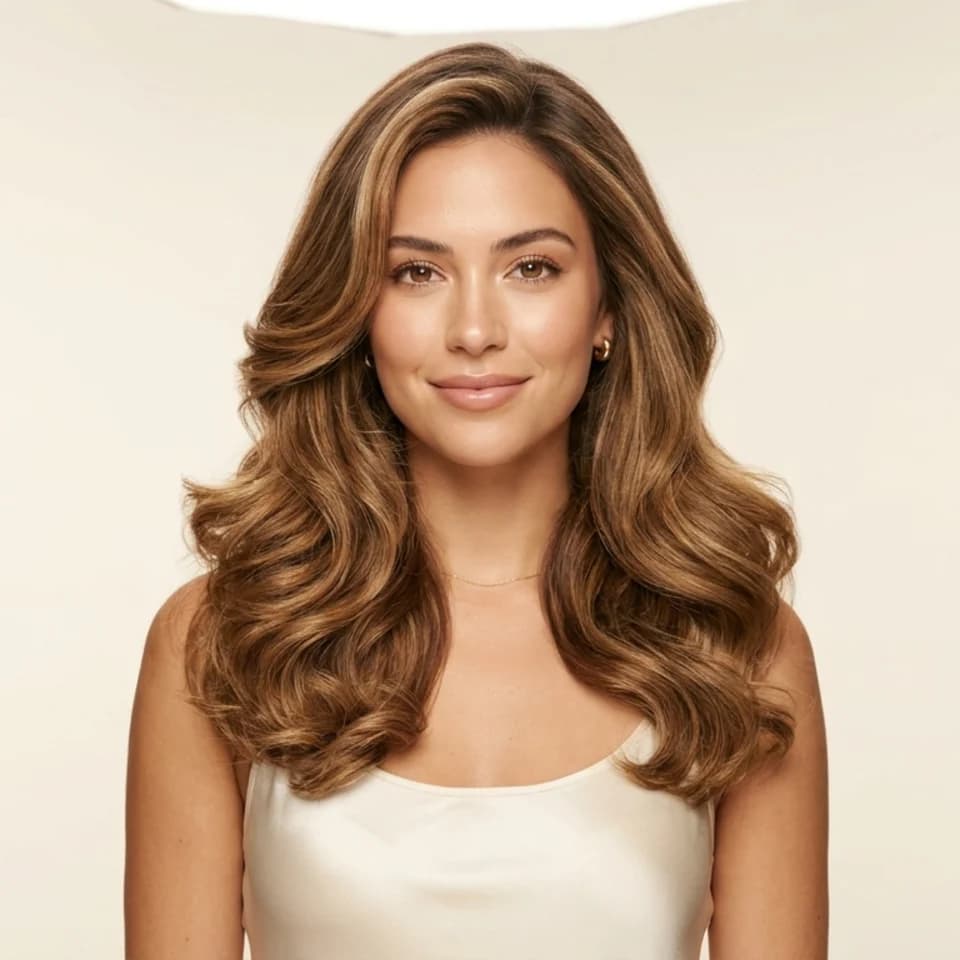
Freelance, bridal, and salon makeup artists
Clients book the artist as much as the portfolio. Pixshop creates beauty-studio headshots of you from one selfie for your booking page, Instagram, and salon staff profile.
Open the real pack, get your first result fast, and keep iterating only when the workflow earns it.